Screen Mirroring — screen mirroring android to tv
Screen Mirroring app icon

Screen MirroringCast to TV via Miracast

iStack

Tools

Cast to TV & screen mirror. Miracast, DLNA & wireless display for your smart TV.
50+Downloads
FreePrice
EveryoneRated
Install on Google Play
Free to downloadNo accountAndroid

Updated Mar 24, 2026

About Screen Mirroring

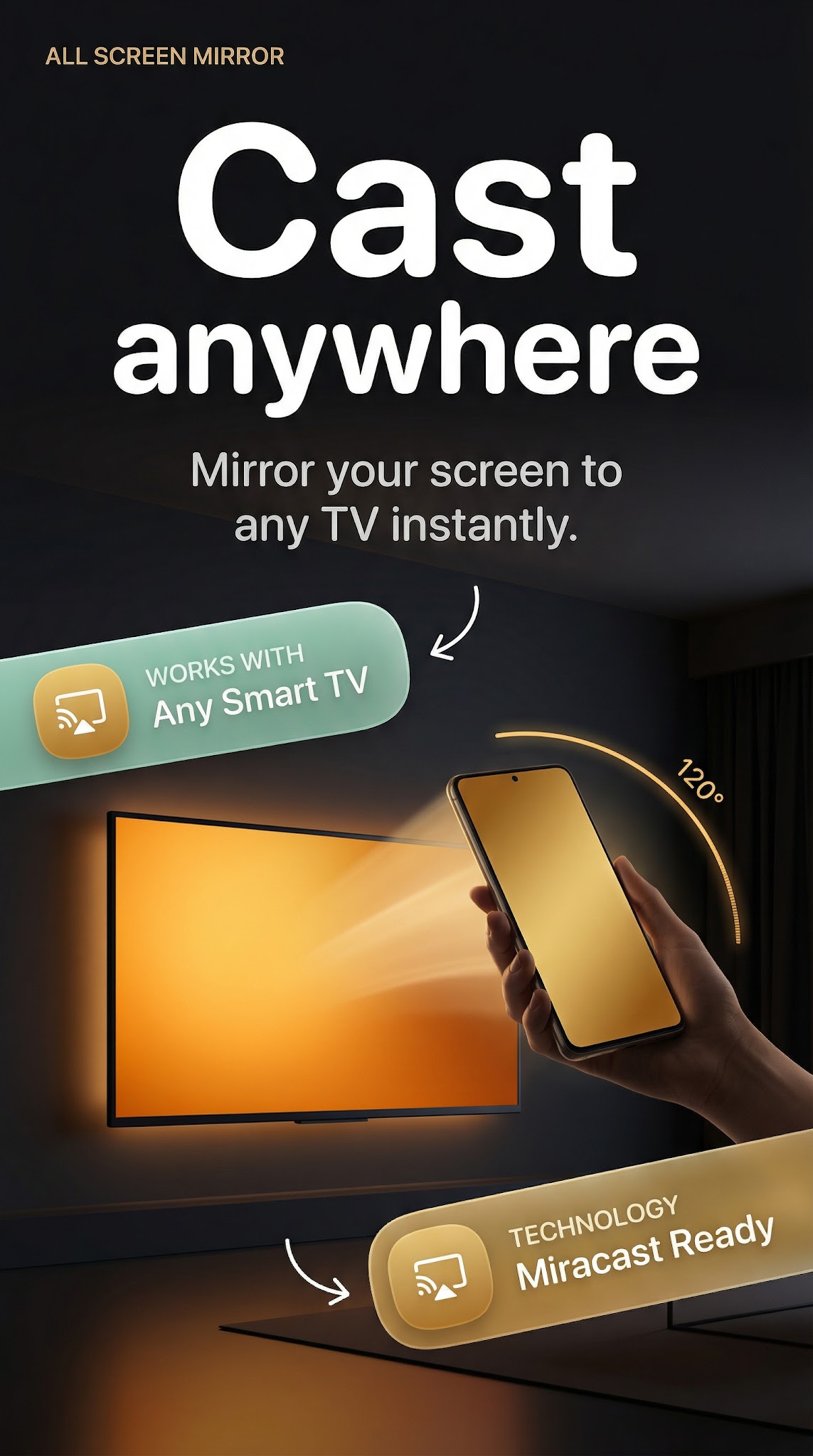
Screen mirroring via Miracast — cast to TV wirelessly. DLNA, wireless display, smart tv cast, and HD screen mirror all in one app.

Mirror your Android to any TV or display instantly with our casting app. No cables, no setup. Wi-Fi Direct peer-to-peer means zero lag and total privacy — your screen goes directly to the TV without a router in between.

📡 Instant Device Discovery

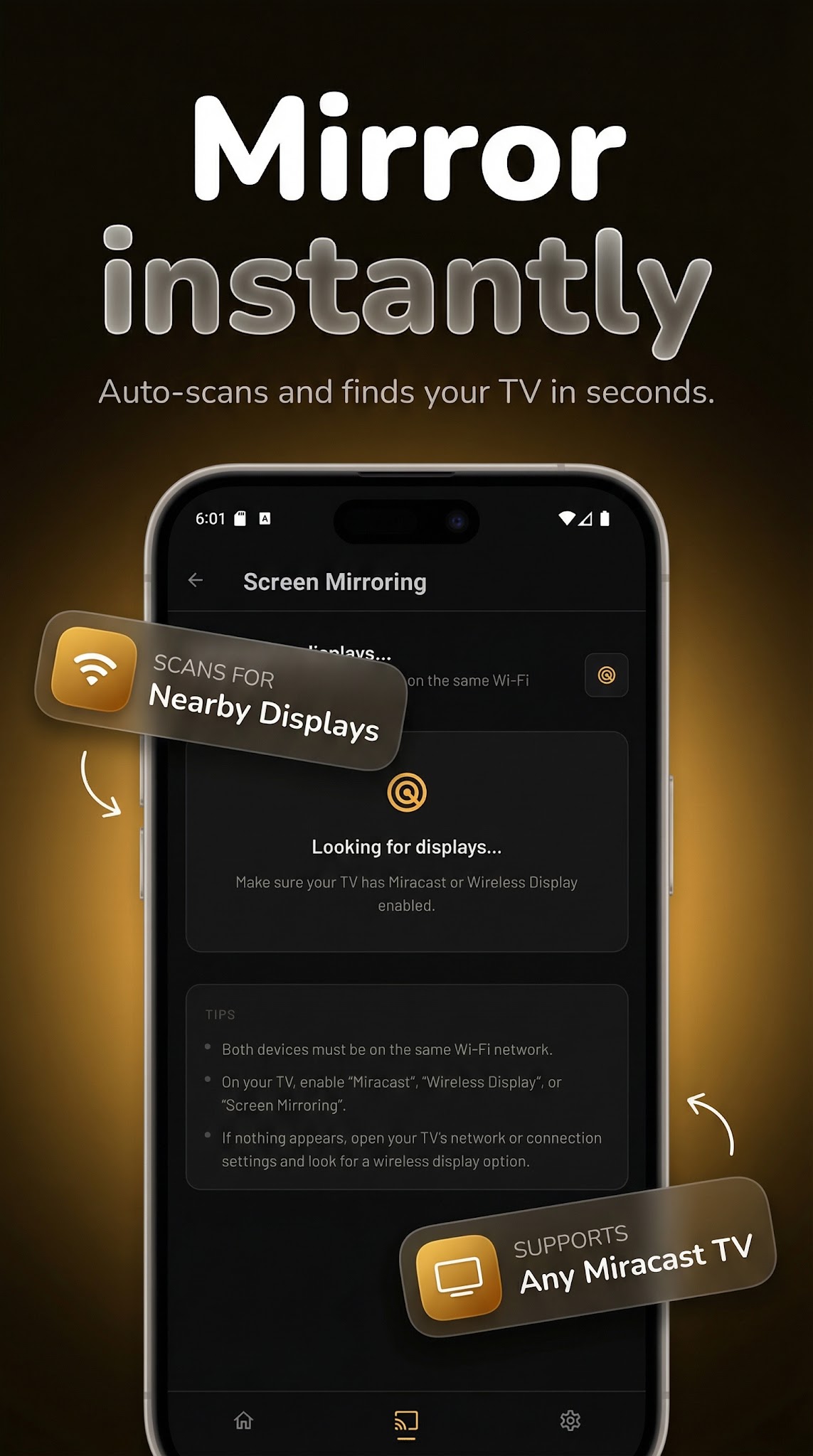
Our network radar scans and detects available Smart TVs, wireless display adapters, and DLNA receivers in seconds. No pairing codes. No configuration. Just tap a device and the tv mirror session begins — wireless phone mirroring couldn't be simpler.

🖥️ True Miracast Screen Mirroring

Stream your full Android screen in real-time: apps, games, videos, browser, photos, presentations. Display mirroring via Miracast means what's on your phone appears on the big screen instantly. Our Miracast for android to TV engine automatically negotiates optimal stream quality for your wireless connection.

📺 TV Cast, Screencast & Media Sharing

The smart wireless tv casting mode handles every format: screencast your browser session, cast photos to TV, stream HD video without buffering. Works with any DLNA display, LED TV screen mirroring receiver, or Smart TV cast-compatible screen. Cast phone to TV — no account, no subscription, no barriers. Use it to cast to smart tv in any room.

🎬 HD Screen Mirror Quality Controls

Built-in bitrate and resolution controls give you full command over your wireless screen cast quality. Choose maximum HD screen mirroring fidelity or prioritize smooth performance for your network strength. TV mirroring at HD quality is a few taps away.

📊 Live Connection Health Monitoring

Real-time session tracker watches your wireless display connection status throughout every tv mirroring session. Screen cast health, stream bitrate, and connection stability all monitored live — so you always know your tv screen cast is running clean.

🔗 Smart TV Mirroring — Multi-Protocol Support

This casting app connects to the widest range of displays in its class:

• Miracast (Wi-Fi Direct peer-to-peer — no router needed)

• DLNA compatible Smart TVs and media players

• Wireless display adapters (Miracast dongles, HDMI receivers)

• LED TV screen mirroring for older televisions

• Any Cast receiver and wireless tv cast endpoint

✨ Premium Interface Design

Glassmorphism-inspired UI with fluid animated gradients. A tv mirror app that earns a place on your home screen because it looks as good as it works.

🎯 What You Can Do:

• Cast from phone to TV: movies, streaming apps, games

• Screen share to TV for work presentations and demos

• Mirror TV gaming sessions on a bigger display

• Wireless screen cast for teaching, training, or family viewing

• TV cast photos and albums to share with everyone in the room

• Stream your phone to TV during travel — hotel TVs, projectors, conference rooms

📋 Supported Connections:

Miracast · DLNA · Wi-Fi Direct · HDMI wireless · LED TV · wireless screen cast · casting app for Android

Download Screen Mirroring – TV Miracast and start your wireless tv cast session in seconds.

Screenshots

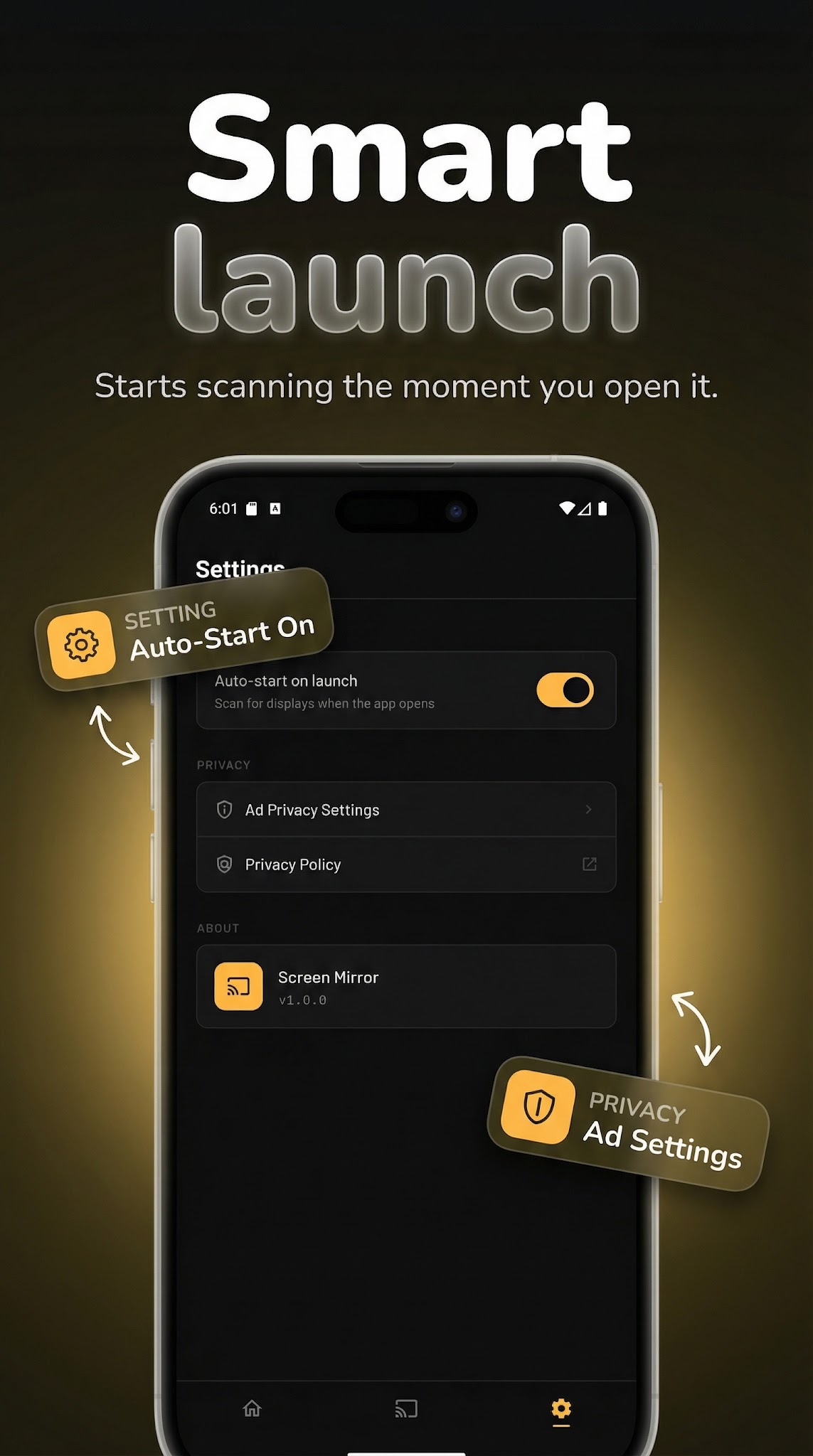
Screen Mirroring screenshot 1 — miracast android app
Screen Mirroring screenshot 2 — cast android to tv free
Screen Mirroring screenshot 3 — wireless screen cast android
Screen Mirroring screenshot 4 — phone to tv mirror app

How it works

  1. 1

    Download Screen Mirroring for free

    Search for "Screen Mirroring" on the Google Play or tap the install button on this page. The app is completely free — no payment info required.

  2. 2

    Open and start immediately

    Launch Screen Mirroring and cast to tv & screen mirror. No account or lengthy setup required — just open and go.

  3. 3

    Save and share your results

    When you are done, save your work directly to your device or share it with others. Screen Mirroring keeps your files on-device by default for privacy.

Why iStack apps?

Free to download

Every iStack app is free to install. Android apps are ad-supported with no IAP; iOS apps may offer optional premium features.

No account needed

Open and use immediately. We do not require sign-up or email to access core features.

Focused & fast

One app, one job. No bloat or feature overload — just what you need, working reliably.

Frequently asked questions

Is Screen Mirroring free?
Yes, Screen Mirroring is completely free to download on Google Play. It is ad-supported, so there are no paywalls or subscription fees required.
Does Screen Mirroring require an account?
No account is required. Download Screen Mirroring and start using it immediately — no sign-up, no email, no login needed.
What is Screen Mirroring used for?
Cast to TV & screen mirror. Miracast, DLNA & wireless display for your smart TV.
Is Screen Mirroring available on Android?
Yes, Screen Mirroring is available for Android and can be downloaded from Google Play.
Does Screen Mirroring work offline?
Screen Mirroring is designed to work with minimal or no internet connection for its core features. Some features may require connectivity.
See all →

Ready to try Screen Mirroring?

Free on Google Play — no account required.

Download on Google Play