Speaker Cleaner — water eject speaker cleaner android
Speaker Cleaner app icon

Speaker CleanerWater ejector & sound fix

iStack

Tools

Remove water & dust from your speaker. Fix muffled sound with vibration waves.
5+Downloads
FreePrice
EveryoneRated
Install on Google Play
Free to downloadNo accountAndroid

Updated Mar 31, 2026

About Speaker Cleaner

Speaker Cleaner uses precise sound frequencies to remove water from your phone speaker and fix muffled audio in seconds.

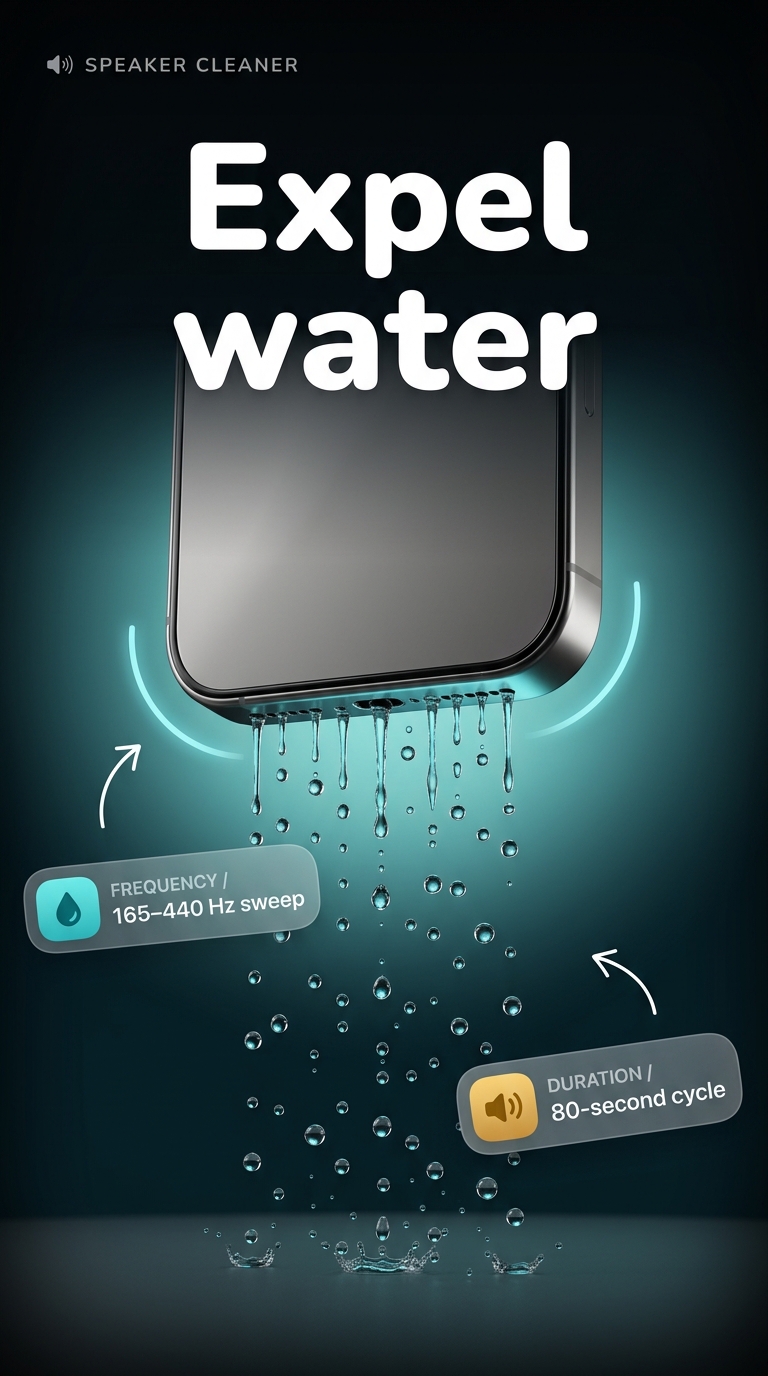
If your device sounds muffled after water damage or rain exposure, the water eject mode plays low-frequency tones that push liquid out of the speaker grills, restoring clear audio automatically.

🔊 Water Eject Mode

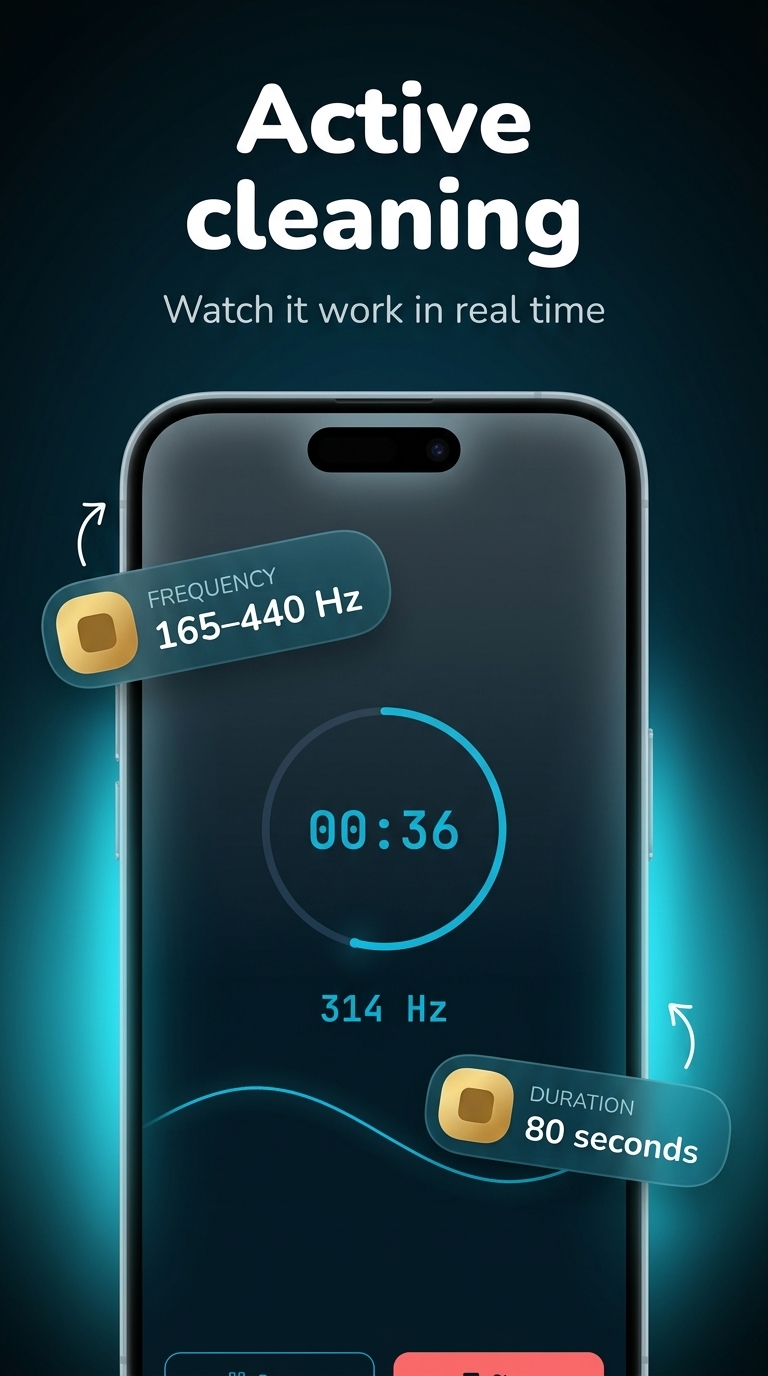
The water eject function targets trapped moisture using optimized acoustic waves. The automatic cleaning cycle runs in under 60 seconds. Watch the real-time waveform visualizer as the app works — a feature no competing speaker cleaner offers.

💨 Dust Removal Mode

High-frequency vibrations dislodge dust and debris from the audio mesh. The loudspeaker filter cycles through multiple tone profiles, and a circular progress timer tracks session duration at all times.

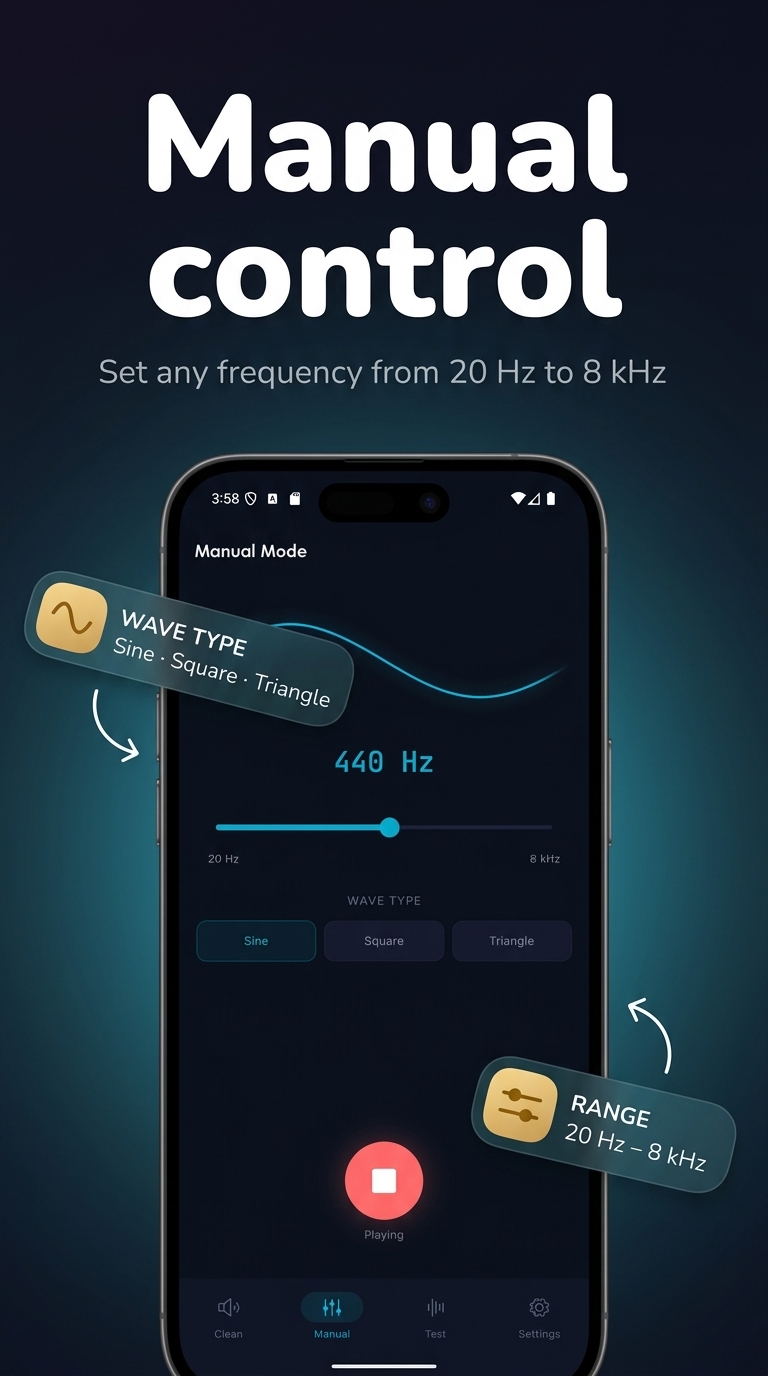
🎛️ Manual Frequency Control

Advanced users can take full control: slide to any frequency level, choose between sine wave, square wave, or sawtooth wave — three distinct wave types for different cleaning approaches. A live frequency display shows the active tone in real time.

🎧 Headphone Cleaner

The same vibration method works for earphones and headphone output. Remove water and dust from audio accessories without a separate app.

🔈 Speaker Sound Test

After each session, verify your speaker health on the built-in sound test screen. Multiple test tone buttons confirm the output is clear and performing correctly.

Key features:

• Water eject mode — auto and manual, removes water using precise low-frequency tones

• Dust removal mode — high-frequency vibration clears debris from speaker mesh

• Manual frequency slider — full control over cleaning intensity

• Wave type selector — sine, square, and sawtooth wave modes

• Real-time waveform visualizer — see the cleaning signal live

• Circular progress timer — tracks session duration

• Speaker sound test — verify clarity after cleaning

• Headphone cleaning support

• Safe for all Android devices

Screenshots

Speaker Cleaner screenshot 1 — speaker cleaner android free
Speaker Cleaner screenshot 2 — water from phone speaker
Speaker Cleaner screenshot 3 — fix muffled speaker android
Speaker Cleaner screenshot 4 — sound cleaner phone
Speaker Cleaner screenshot 5 — speaker cleaner android free

How it works

  1. 1

    Download Speaker Cleaner for free

    Search for "Speaker Cleaner" on the Google Play or tap the install button on this page. The app is completely free — no payment info required.

  2. 2

    Open and start immediately

    Launch Speaker Cleaner and remove water & dust from your speaker. No account or lengthy setup required — just open and go.

  3. 3

    Save and share your results

    When you are done, save your work directly to your device or share it with others. Speaker Cleaner keeps your files on-device by default for privacy.

Why iStack apps?

Free to download

Every iStack app is free to install. Android apps are ad-supported with no IAP; iOS apps may offer optional premium features.

No account needed

Open and use immediately. We do not require sign-up or email to access core features.

Focused & fast

One app, one job. No bloat or feature overload — just what you need, working reliably.

Frequently asked questions

Is Speaker Cleaner free?
Yes, Speaker Cleaner is completely free to download on Google Play. It is ad-supported, so there are no paywalls or subscription fees required.
Does Speaker Cleaner require an account?
No account is required. Download Speaker Cleaner and start using it immediately — no sign-up, no email, no login needed.
What is Speaker Cleaner used for?
Remove water & dust from your speaker. Fix muffled sound with vibration waves.
Is Speaker Cleaner available on Android?
Yes, Speaker Cleaner is available for Android and can be downloaded from Google Play.
Does Speaker Cleaner work offline?
Speaker Cleaner is designed to work with minimal or no internet connection for its core features. Some features may require connectivity.
See all →

Ready to try Speaker Cleaner?

Free on Google Play — no account required.

Download on Google Play