Scan documents, convert photo to PDF, extract text with OCR - all offline.
Updated Mar 17, 2026

Scan documents, convert photo to PDF, extract text with OCR - all offline.
Updated Mar 17, 2026
Turn your phone into a powerful PDF scanner and image converter that works completely offline. No login required, no watermarks, no limits.
Scan Documents Instantly
Open the built-in document scanner, point your camera, and capture clean scans with automatic edge detection and perspective correction. Save every scan as a searchable PDF file in seconds. The scanner adapts to different lighting conditions and document sizes automatically.
Perfect for contracts, receipts, invoices, handwritten notes, whiteboards, ID cards, certificates, and business forms. Whether you need to digitize a single page or scan a full stack of documents, the scanning process stays fast and accurate.
Convert Any Image to PDF
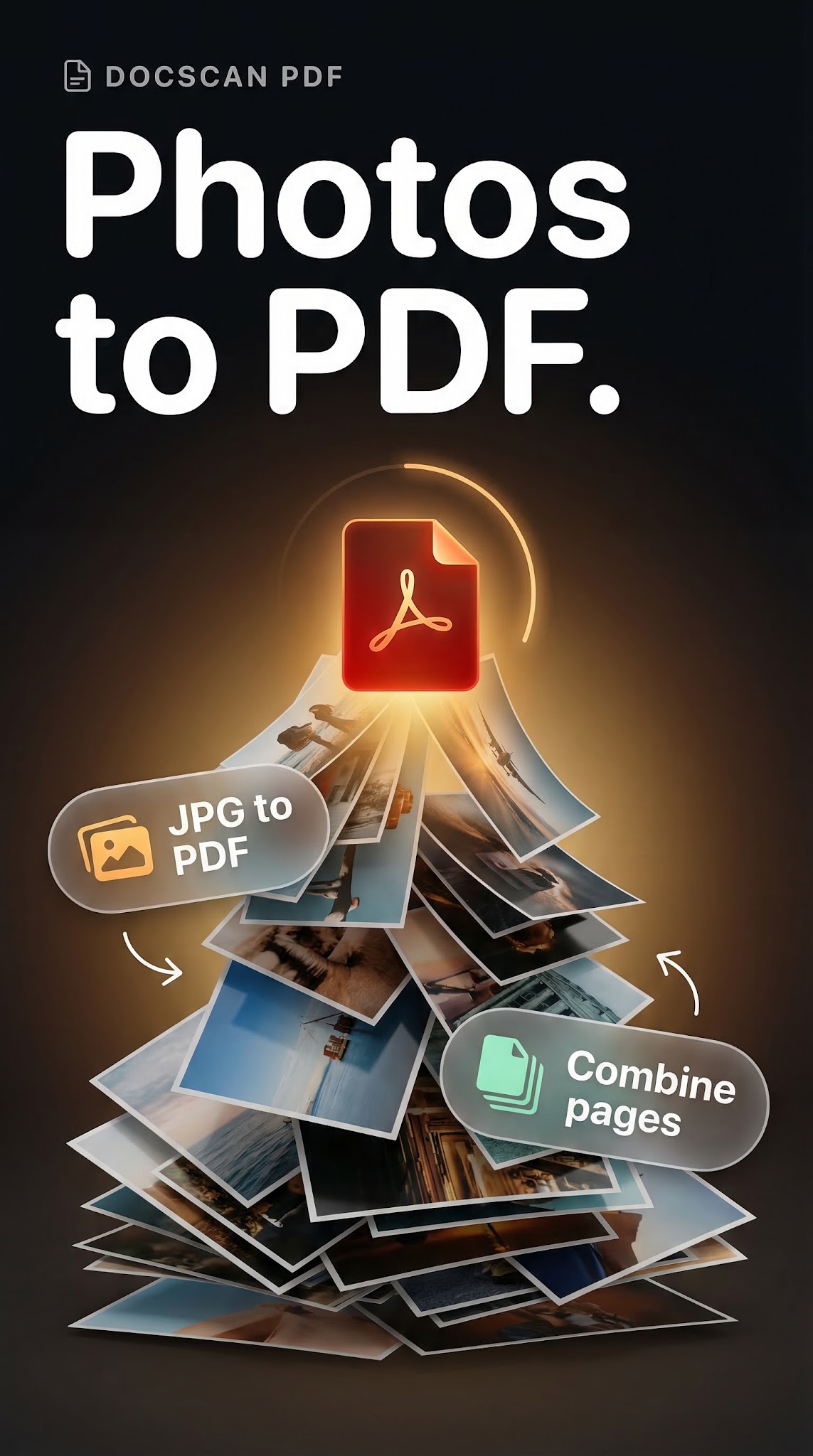
Select photos from your gallery and convert them into professional PDF documents. Supports JPG to PDF, PNG to PDF, and BMP to PDF conversion with full quality control. Every image keeps its original resolution during conversion.
Combine multiple images into a single PDF file. Rearrange pages with drag-and-drop before exporting. Choose your preferred page size, orientation, margins, and compression level. Create compact files for email or high-quality documents for printing.
Use this image to PDF converter for homework, presentations, photo albums, portfolios, and any project that needs images organized in one document.
OCR Text Recognition
Extract text from scanned documents and photos using built-in OCR technology. Copy detected text, search within documents, and reuse content without retyping. The text recognition engine processes printed text, handwritten notes, business cards, and receipts with high accuracy.
Ideal for digitizing meeting notes, converting paper invoices to editable text, and making old documents searchable again. OCR works directly on your device without uploading files to any server.
Edit Images Before Conversion
Crop, rotate, adjust brightness, contrast, and apply filters to every image before creating your PDF. Fine-tune each page individually or apply changes across multiple images at once. Get the exact layout you need without a separate photo editor.
The image editor includes grayscale conversion, color adjustment tools, and a real-time preview so you see results before saving.
Sign and Secure Your Documents
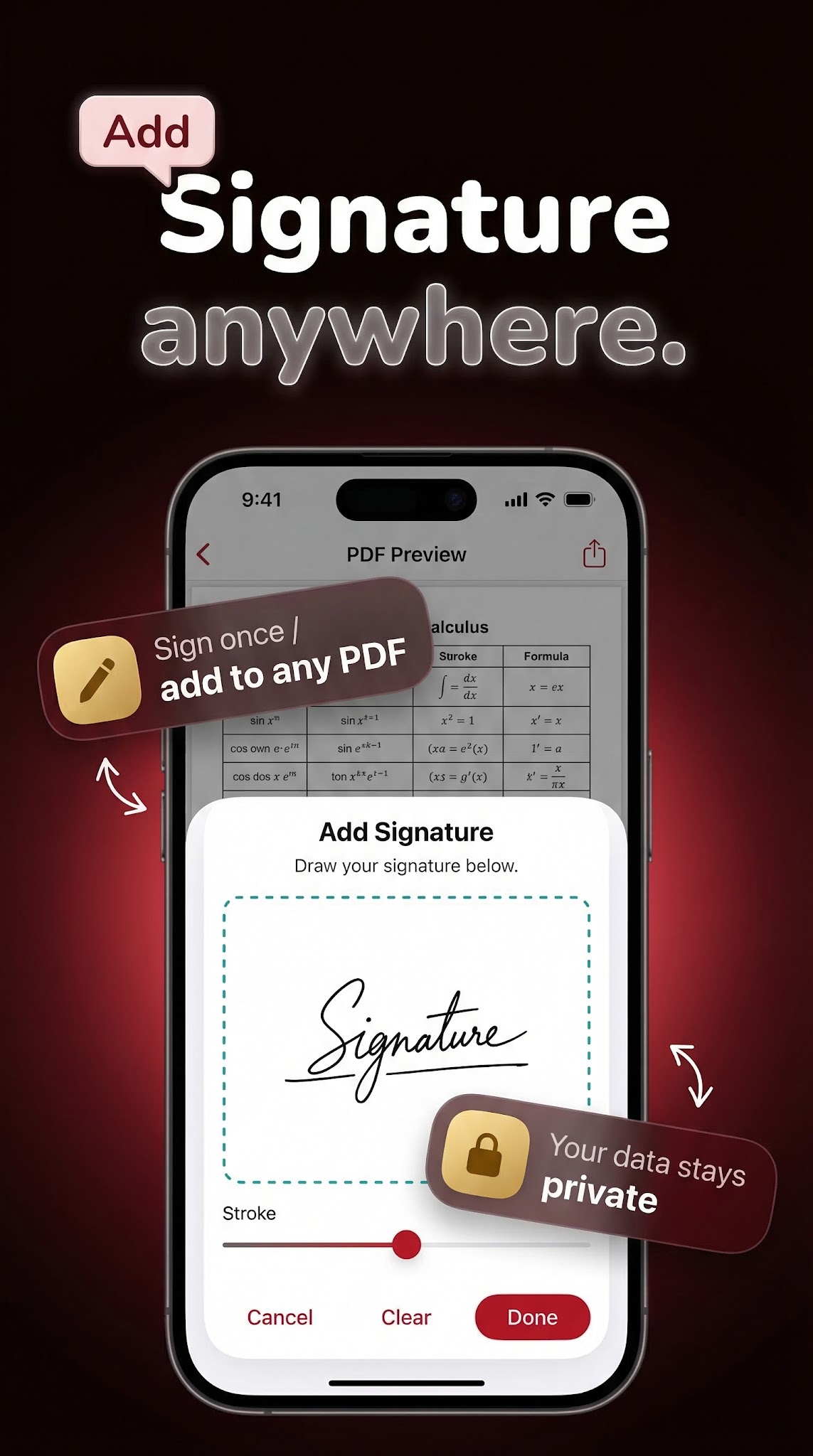
Add your electronic signature directly inside the app using the drawing pad with color options. Sign contracts, forms, agreements, and official documents right from your phone. Protect sensitive PDF files with password encryption before sharing or storing them.
Your signature is saved for quick reuse across multiple documents, making the signing process efficient for repeated tasks.
Share and Export Anywhere
Send your PDF files through email, messaging apps, cloud storage, or any sharing method on your device. One-tap export makes distribution fast and simple. Share individual pages or complete multi-page documents with anyone.
Manage Your PDF Library
Rename, organize, sort by name, size, or date, and access all your documents from one clean interface. Find recent files quickly and keep your document collection organized. Preview any PDF before opening it fully.
All scanned documents and converted files are stored locally, giving you full control over your document library without depending on cloud services.
Why Choose This PDF Scanner?
No account or login needed to start scanning
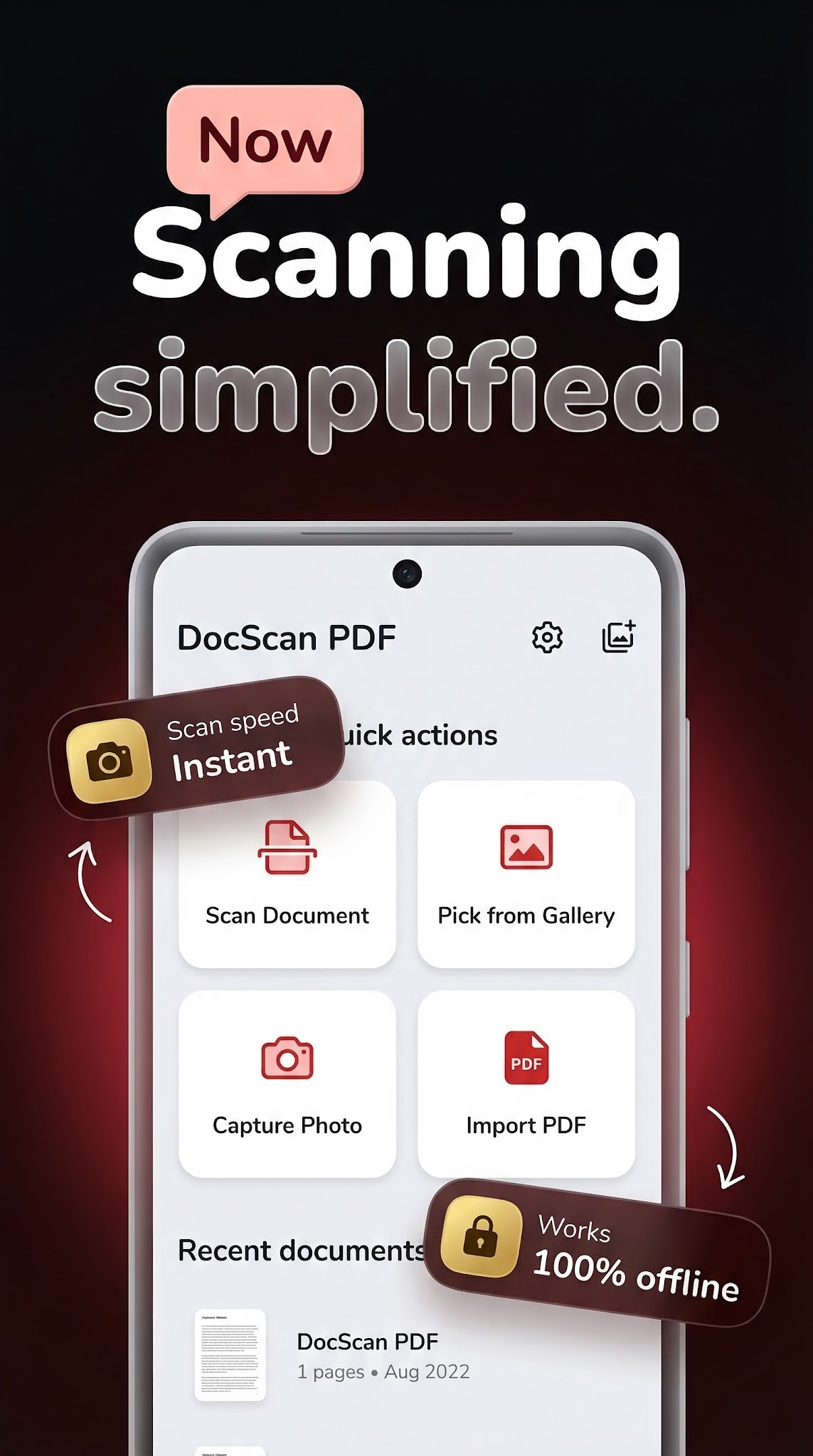
Works completely offline without internet connection
No watermark added to any document you create
Unlimited scans, conversions, and exports
Lightweight app that runs fast on any device
Private and secure — all files stay on your phone
Supports multiple page sizes including A4, Letter, and Legal
Built for students scanning lecture notes, professionals digitizing contracts, freelancers managing invoices, and anyone who needs a reliable document scanner and photo to PDF converter in their pocket.
Start scanning and converting your documents today.


Download PDF Scanner for free
Search for "PDF Scanner" on the Google Play or tap the install button on this page. The app is completely free — no payment info required.
Open and start immediately
Launch PDF Scanner and scan documents, convert photo to pdf, extract text with ocr - all offline. No account or lengthy setup required — just open and go.
Save and share your results
When you are done, save your work directly to your device or share it with others. PDF Scanner keeps your files on-device by default for privacy.
Best free PDF scanner apps for Android
Compare PDF Scanner with other free document scanner apps.
How to scan documents with PDF Scanner
Follow the step-by-step guide for scanning documents to PDF.
PDF Scanner vs Adobe Scan
Compare account requirements, offline OCR, privacy, and exports.
What is OCR?
Learn how scanned images become searchable, copyable text.
Free to download
Every iStack app is free to install. Android apps are ad-supported with no IAP; iOS apps may offer optional premium features.
No account needed
Open and use immediately. We do not require sign-up or email to access core features.
Focused & fast
One app, one job. No bloat or feature overload — just what you need, working reliably.
Ready to try PDF Scanner?
Free on Google Play — no account required.
Download on Google Play