Office Reader — free office document viewer android
Office Reader app icon

Office ReaderPDF & document suite

iStack

Productivity

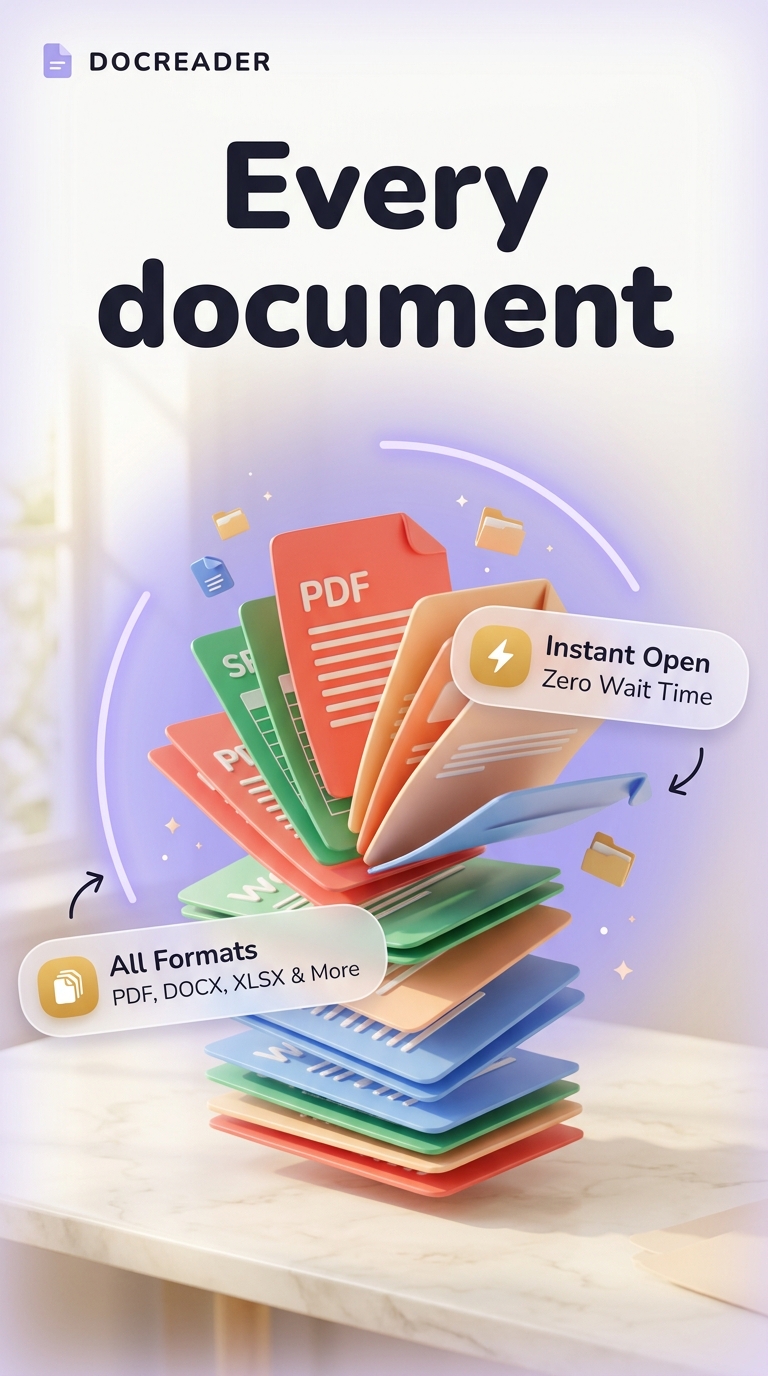
Open PDF, DOCX, XLSX, PPTX & all documents. File viewer + manager offline.
10+Downloads
FreePrice
EveryoneRated
Install on Google Play
Free to downloadNo accountAndroid

Updated Mar 22, 2026

About Office Reader

Can't open a file because you don't have the right app? Office Reader solves that.

One app for every document on your phone — PDF reader, DOCX viewer, XLSX spreadsheet viewer, PPTX presenter, CSV reader, TXT reader, and archive viewer for ZIP and RAR files. No switching. No installing five apps. Just open.

📂 Smart File Manager

Browse all your documents from one organized home screen. Filter files by type — PDF files, Word documents, Excel sheets, PowerPoint slides, or text files. Search by filename, sort by date, name, size, or file type. Your documents, always findable.

📄 PDF Reader & Viewer

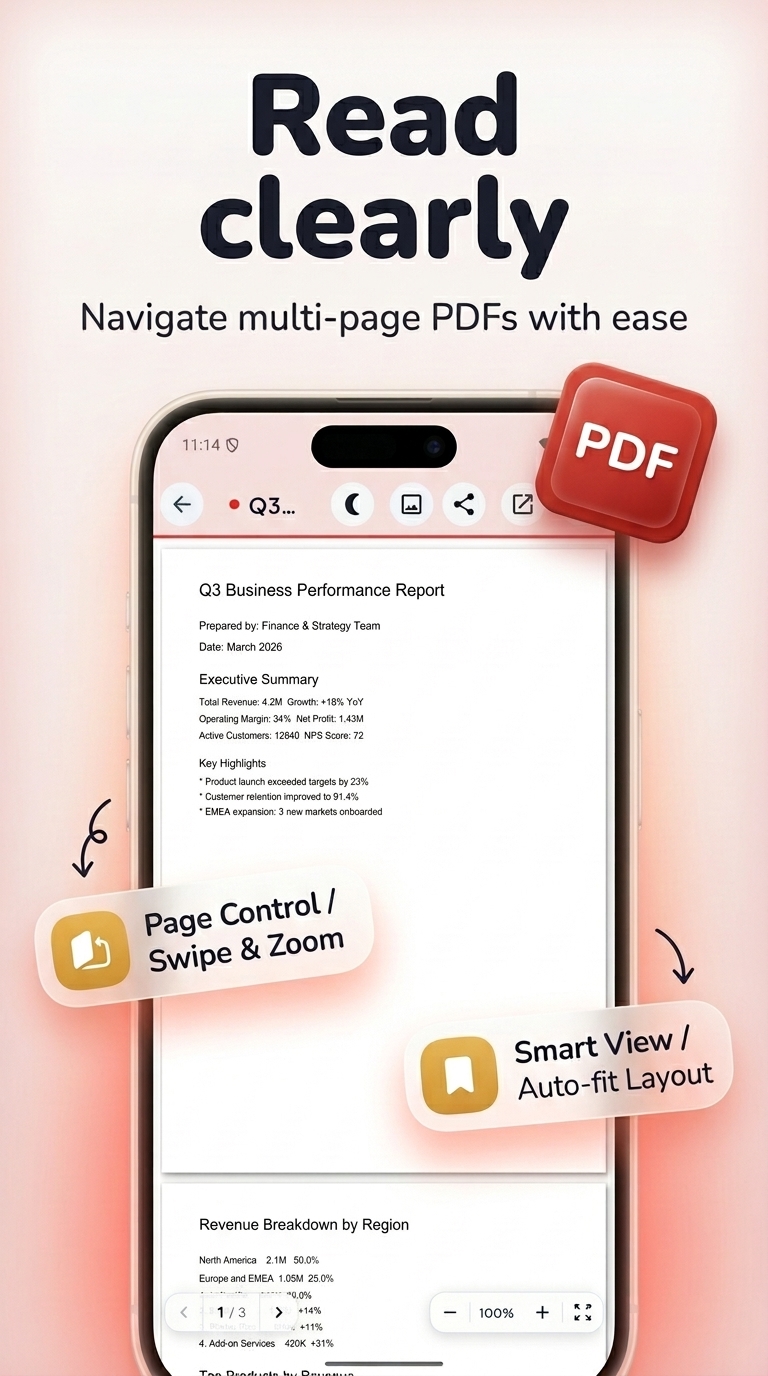
Fast PDF loading with smooth page navigation. Zoom in or out, jump to any page, switch between portrait and landscape. Works fully offline — no internet, no ads to slow you down.

📝 DOCX Word Reader

Open DOC and DOCX files directly on your phone. Clean reading interface, adjustable font size, and full text display with formatting preserved.

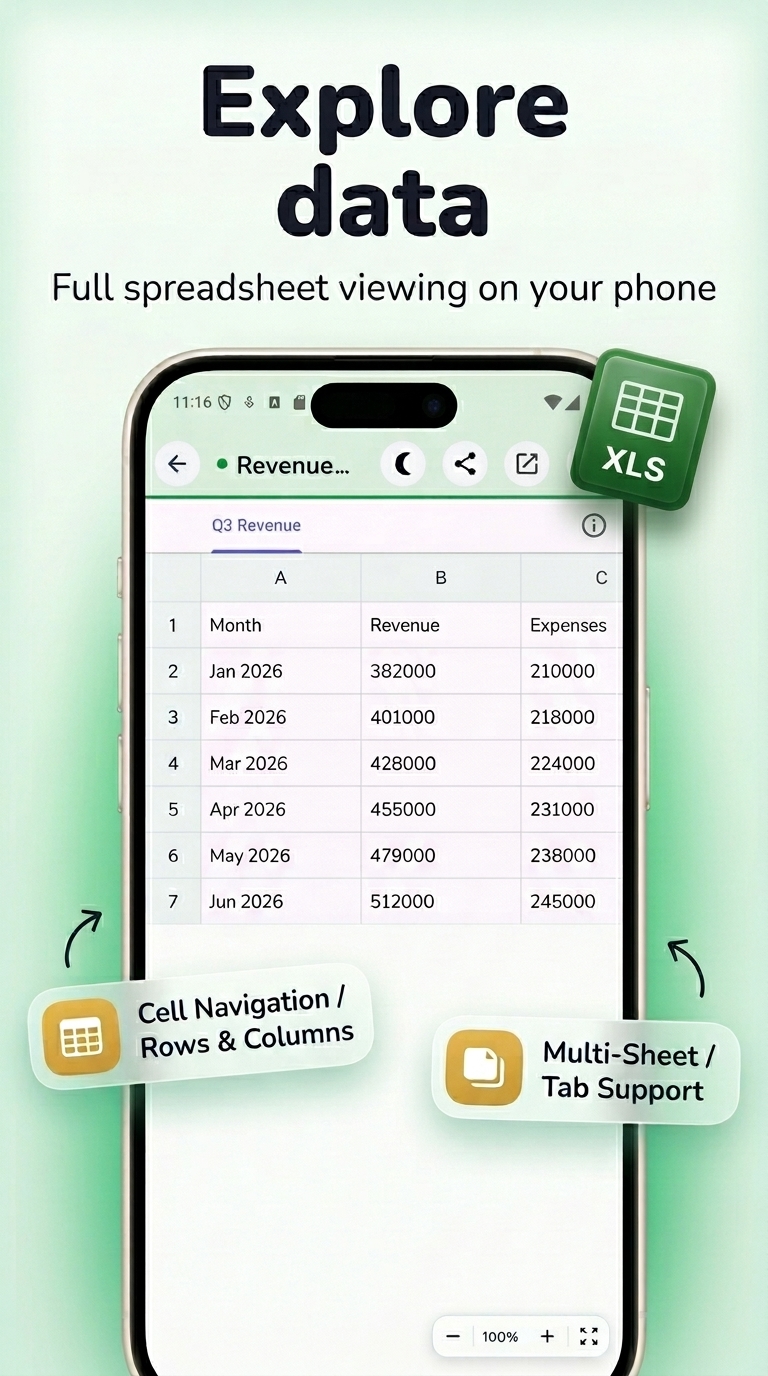
📊 Excel XLSX Viewer

View XLS and XLSX spreadsheets with cell grid layout and column formatting. Great for reading reports, budgets, and data tables on the go.

🖥 PowerPoint PPTX Viewer

Display PPT and PPTX slides in full-screen with slide-by-slide navigation. Fast rendering, high resolution.

🗜 Archive Viewer (ZIP & RAR)

Browse ZIP and RAR archive contents without extracting. See what's inside any archive file instantly.

📋 CSV & TXT Viewer

Open comma-separated CSV files as a readable table. Plain text TXT files open instantly in a clean, adjustable reader.

🌙 Reading Themes

Customize background color and font size for comfortable long-form reading. Light mode and dark mode supported — available now, not "coming soon."

✔ Works offline — no internet required

✔ Lightweight and fast — opens files in seconds

✔ Clean file browser with recent files history

✔ Sort and filter all document types

✔ Supports internal and external storage

Office Reader is built for students, professionals, and anyone who needs to open all documents fast. Download and open your files — anytime, anywhere.

Screenshots

Office Reader screenshot 1 — pdf viewer android free
Office Reader screenshot 2 — excel viewer android
Office Reader screenshot 3 — pptx reader android
Office Reader screenshot 4 — all document viewer offline
Office Reader screenshot 5 — pdf viewer android free
Office Reader screenshot 6 — excel viewer android

How it works

  1. 1

    Download Office Reader for free

    Search for "Office Reader" on the Google Play or tap the install button on this page. The app is completely free — no payment info required.

  2. 2

    Open and start immediately

    Launch Office Reader and open pdf, docx, xlsx, pptx & all documents. No account or lengthy setup required — just open and go.

  3. 3

    Save and share your results

    When you are done, save your work directly to your device or share it with others. Office Reader keeps your files on-device by default for privacy.

Why iStack apps?

Free to download

Every iStack app is free to install. Android apps are ad-supported with no IAP; iOS apps may offer optional premium features.

No account needed

Open and use immediately. We do not require sign-up or email to access core features.

Focused & fast

One app, one job. No bloat or feature overload — just what you need, working reliably.

Frequently asked questions

Is Office Reader free?
Yes, Office Reader is completely free to download on Google Play. It is ad-supported, so there are no paywalls or subscription fees required.
Does Office Reader require an account?
No account is required. Download Office Reader and start using it immediately — no sign-up, no email, no login needed.
What is Office Reader used for?
Open PDF, DOCX, XLSX, PPTX & all documents. File viewer + manager offline.
Is Office Reader available on Android?
Yes, Office Reader is available for Android and can be downloaded from Google Play.
Does Office Reader work offline?
Office Reader is designed to work with minimal or no internet connection for its core features. Some features may require connectivity.
See all →

Ready to try Office Reader?

Free on Google Play — no account required.

Download on Google Play