Mirror — phone mirror app android
Mirror app icon

MirrorPhone mirror & flashlight

iStack

Beauty

Lighted phone mirror: zoom, freeze & selfie. Makeup & full-screen mirror app.
5+Downloads
FreePrice
EveryoneRated
Install on Google Play
Free to downloadNo accountAndroid

Updated Mar 24, 2026

About Mirror

Turn your phone into a full-screen mirror anytime, anywhere. Whether you need a makeup mirror before an important meeting, a lighted mirror for precise grooming, or a phone mirror for a quick appearance check — this mirror app is ready with one tap.

📱 Real Mirror Experience

The front camera delivers a true mirror reflection — what you see is exactly what others see. No distortion, no delay. A clear, accurate face mirror and phone mirror in one app.

🔆 Lighted Mirror — See Clearly Anywhere

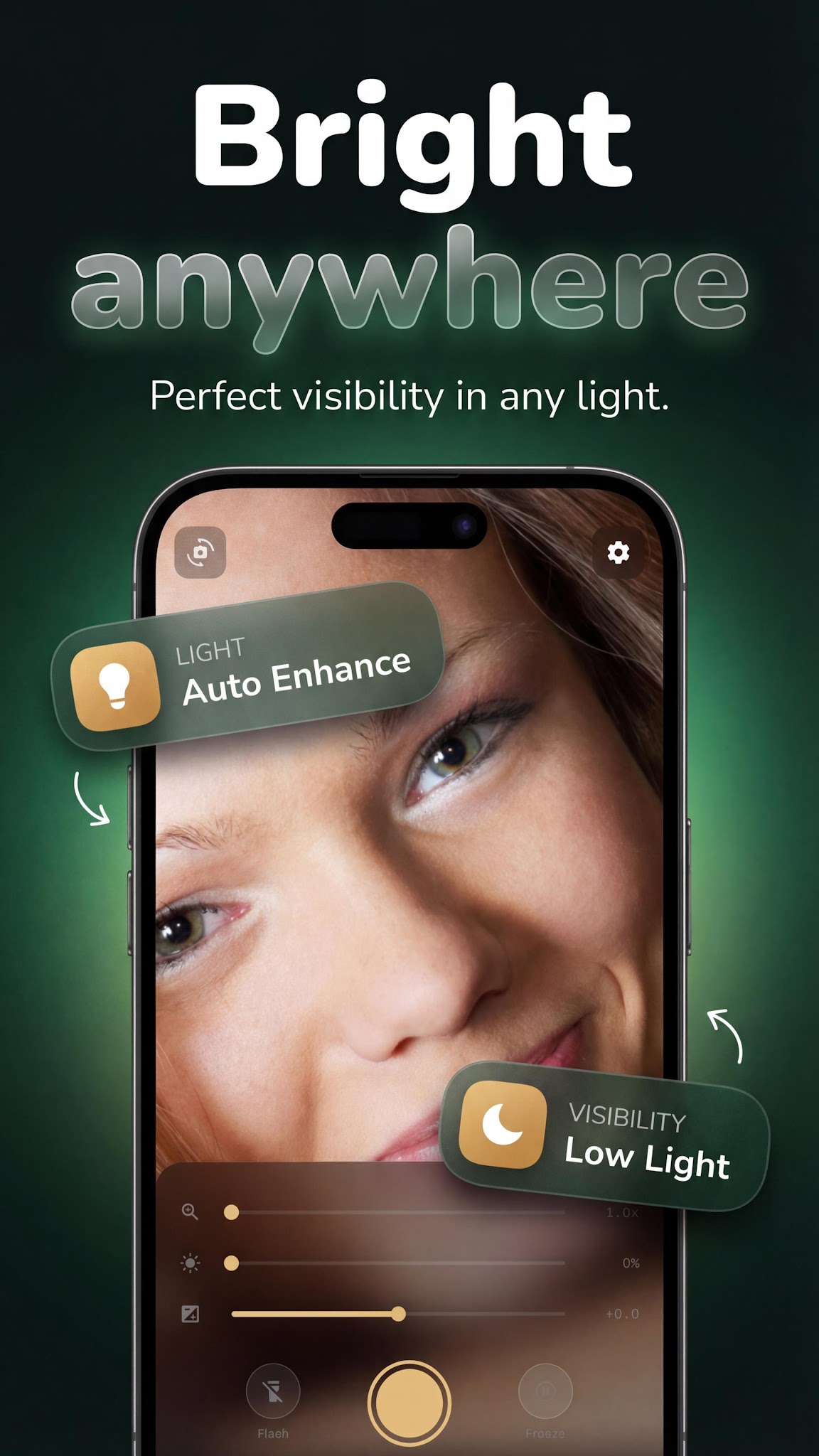
Struggling with low light? The built-in screen brightness enhancement turns your phone into a reliable lighted mirror and led mirror app — perfect for dimly lit rooms, restaurant bathrooms, or early morning routines. Mirror mode activates in one tap.

🔍 Magnifying Mirror — See Every Detail

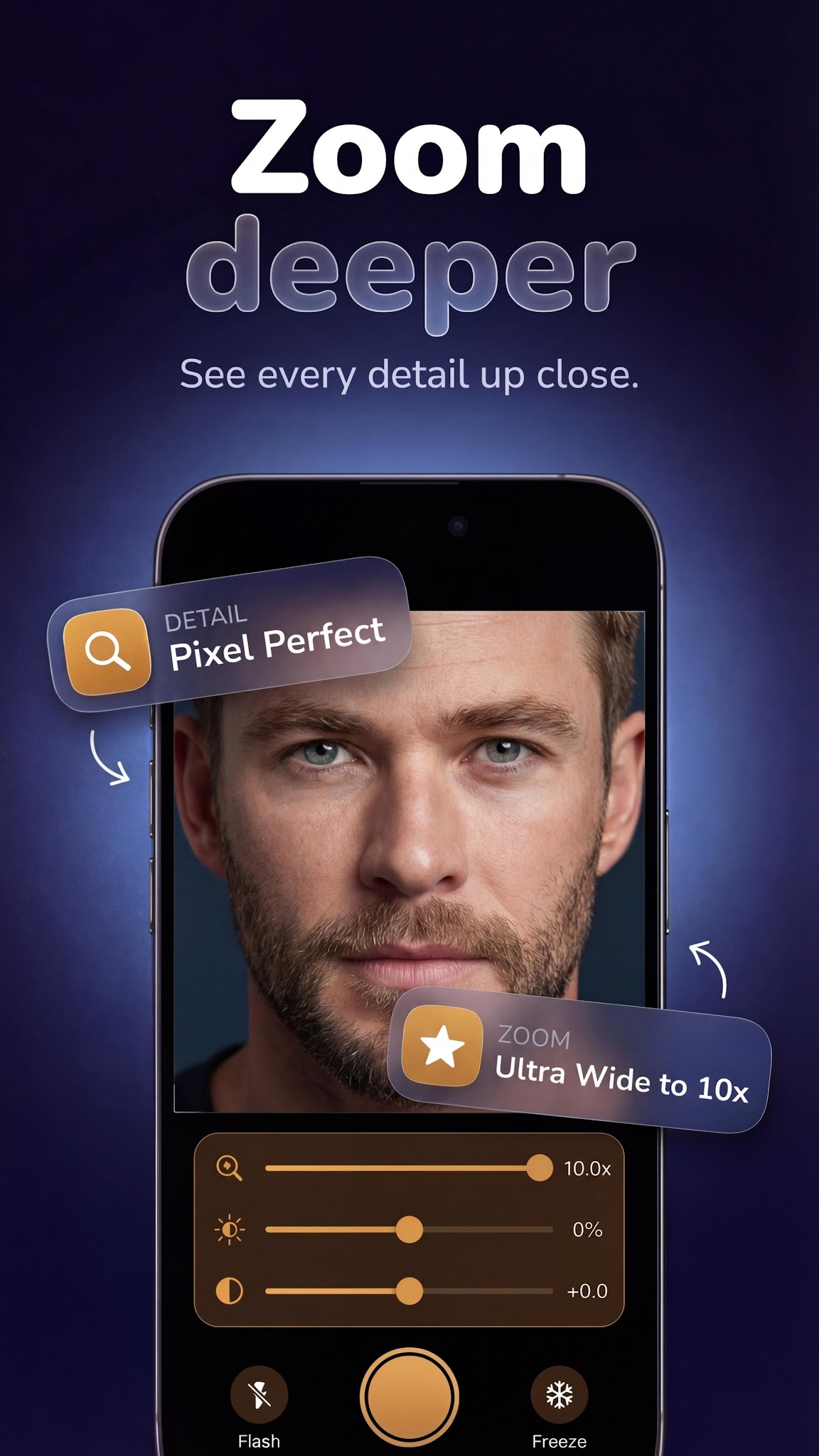
Zoom in for precision. The zoom mirror brings fine details into sharp focus for makeup application, contact lens placement, eyebrow grooming, or shaving. Use the mirror app for android as a magnifying mirror whenever you need a closer look.

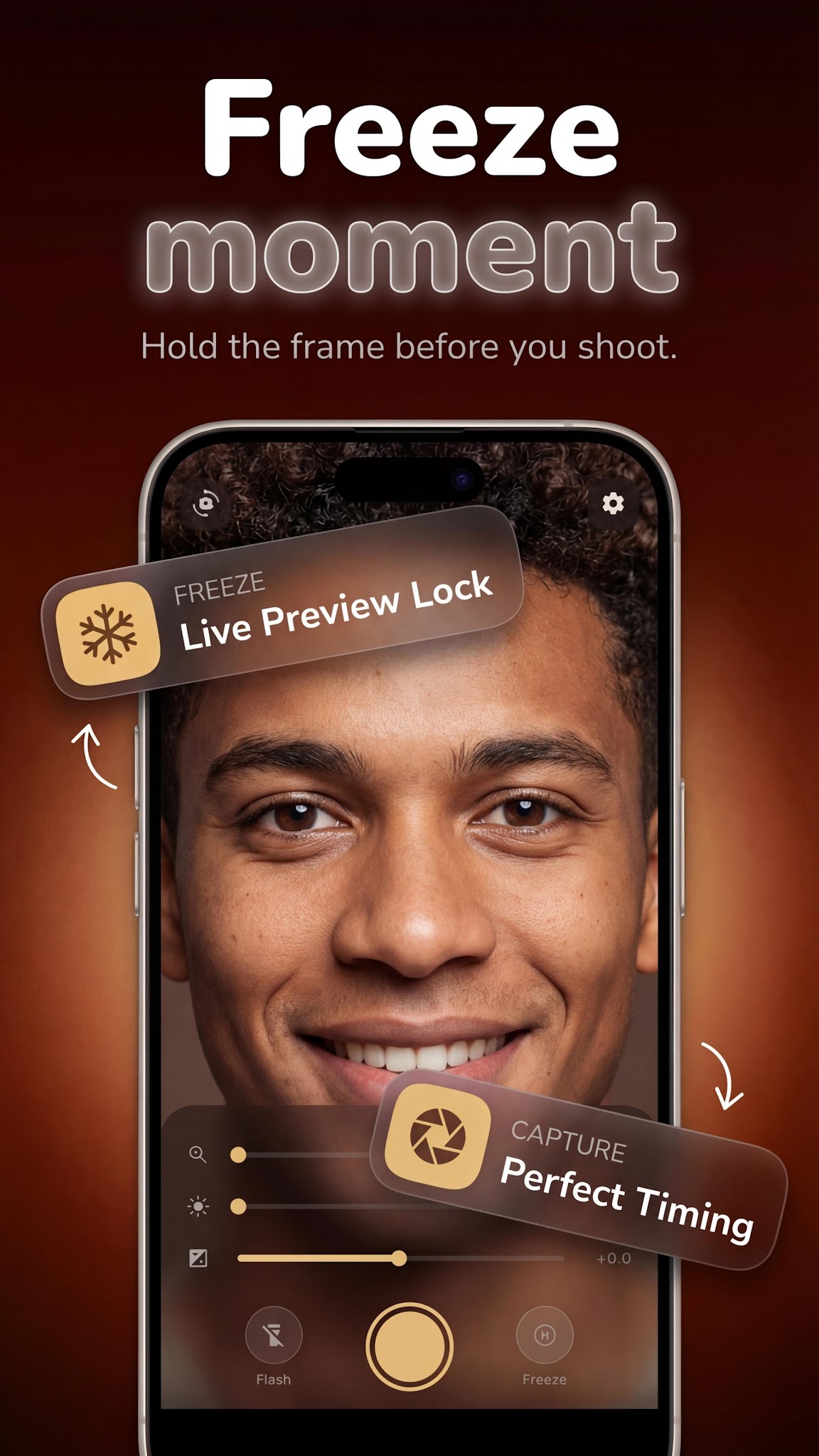
⏸ Freeze Frame

Need to hold a specific angle? Freeze the image instantly with one tap — no photo needed. Ideal for checking symmetry or comparing looks. A powerful mirror experience with full mirror mode control.

✨ Full-Screen Phone Mirror

The phone mirror fills your entire screen — wide, unobstructed, and crystal clear. Check your hair, outfit, or full face with the same clarity as a real bathroom mirror in your pocket. Easy mirror, always ready.

📸 Selfie Mirror

Spotted the perfect look? The selfie mirror captures it instantly. Save your photo directly to your gallery with the built-in selfie function — no app-switching needed.

🌙 Mirror App for Android — Low-Light Ready

The mirror camera uses your screen brightness as a natural light source. Use it as a makeup mirror, selfie mirror, or face mirror — even in the dark. This hd mirror app works offline and runs smoothly on most Android devices.

🪒 Everyday Use Cases

✔ Makeup — foundation, eyeliner, lip gloss

✔ Shaving and grooming — precise zoom control

✔ Contact lens mirror — zoom in for accurate placement

✔ Hair check and styling

✔ Quick appearance check before meetings

✔ True mirror reflection — no front-camera reversal

🚀 Easy Mirror — Instant, Lightweight, Reliable

One tap to open. No loading screen. No unnecessary permissions. Just a clean, private phone mirror experience you will reach for every single day.

Screenshots

Mirror screenshot 1 — selfie mirror app android
Mirror screenshot 2 — front camera mirror free
Mirror screenshot 3 — mirror with flashlight android
Mirror screenshot 4 — pocket mirror app

How it works

  1. 1

    Download Mirror for free

    Search for "Mirror" on the Google Play or tap the install button on this page. The app is completely free — no payment info required.

  2. 2

    Open and start immediately

    Launch Mirror and lighted phone mirror: zoom, freeze & selfie. No account or lengthy setup required — just open and go.

  3. 3

    Save and share your results

    When you are done, save your work directly to your device or share it with others. Mirror keeps your files on-device by default for privacy.

Why iStack apps?

Free to download

Every iStack app is free to install. Android apps are ad-supported with no IAP; iOS apps may offer optional premium features.

No account needed

Open and use immediately. We do not require sign-up or email to access core features.

Focused & fast

One app, one job. No bloat or feature overload — just what you need, working reliably.

Frequently asked questions

Is Mirror free?
Yes, Mirror is completely free to download on Google Play. It is ad-supported, so there are no paywalls or subscription fees required.
Does Mirror require an account?
No account is required. Download Mirror and start using it immediately — no sign-up, no email, no login needed.
What is Mirror used for?
Lighted phone mirror: zoom, freeze & selfie. Makeup & full-screen mirror app.
Is Mirror available on Android?
Yes, Mirror is available for Android and can be downloaded from Google Play.
Does Mirror work offline?
Mirror is designed to work with minimal or no internet connection for its core features. Some features may require connectivity.
See all →

Ready to try Mirror?

Free on Google Play — no account required.

Download on Google Play