Color Picker — color picker camera android
Color Picker app icon

Color PickerColor detector & identifier

iStack

Tools

Point camera at any color - get HEX, RGB, HSL codes and color names instantly.
10+Downloads
FreePrice
EveryoneRated
Install on Google Play
Free to downloadNo accountAndroid

Updated Mar 26, 2026

About Color Picker

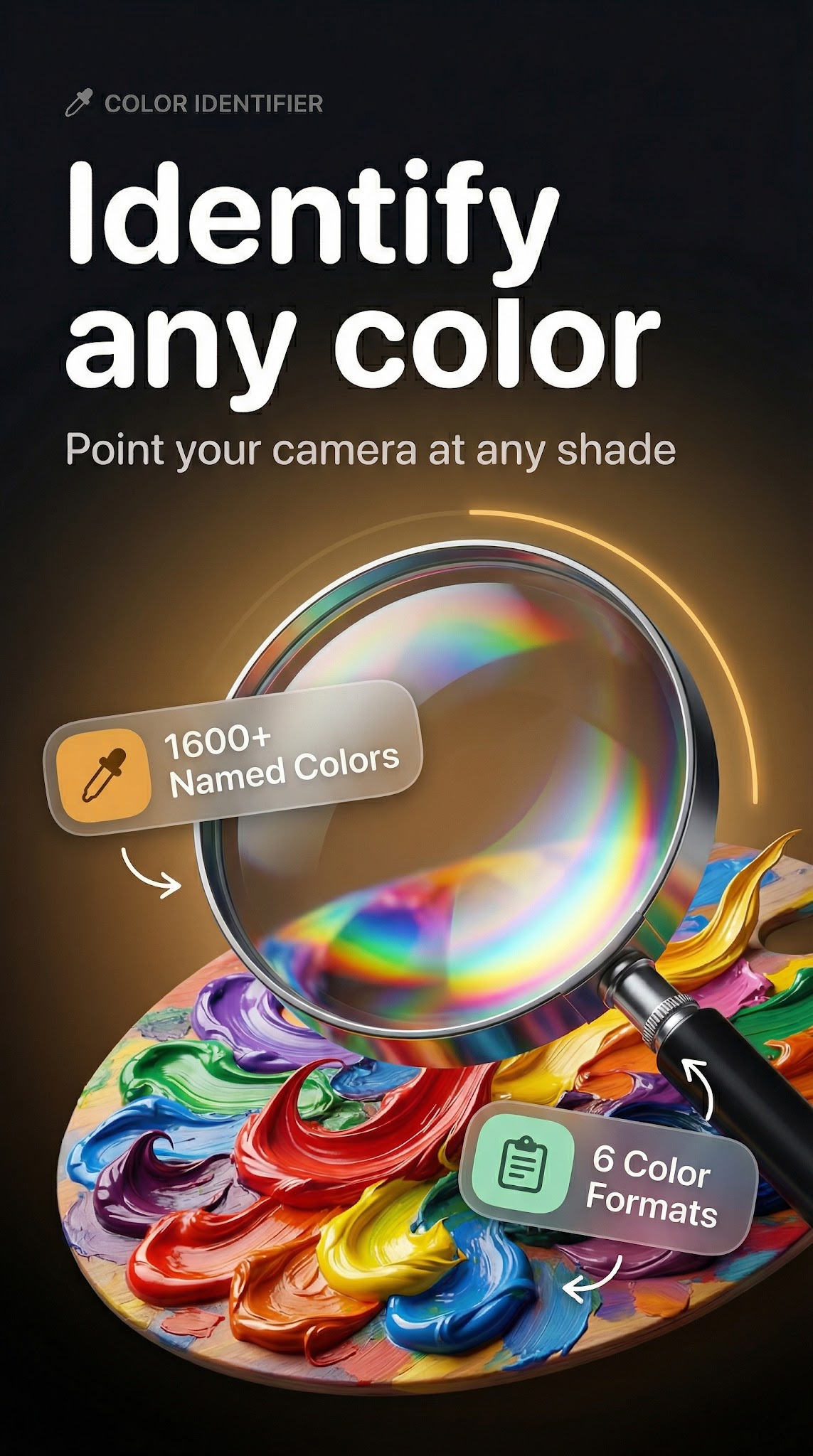
Ever wondered what color is this? Point your camera at any surface and instantly know the exact color — its name, HEX code, RGB values, HSL, and CMYK. Color Picker & Detector turns your phone into a precise color scanner app and color identifier, delivering professional color detection in real time without any guesswork.

🎨 Live Camera Color Detection

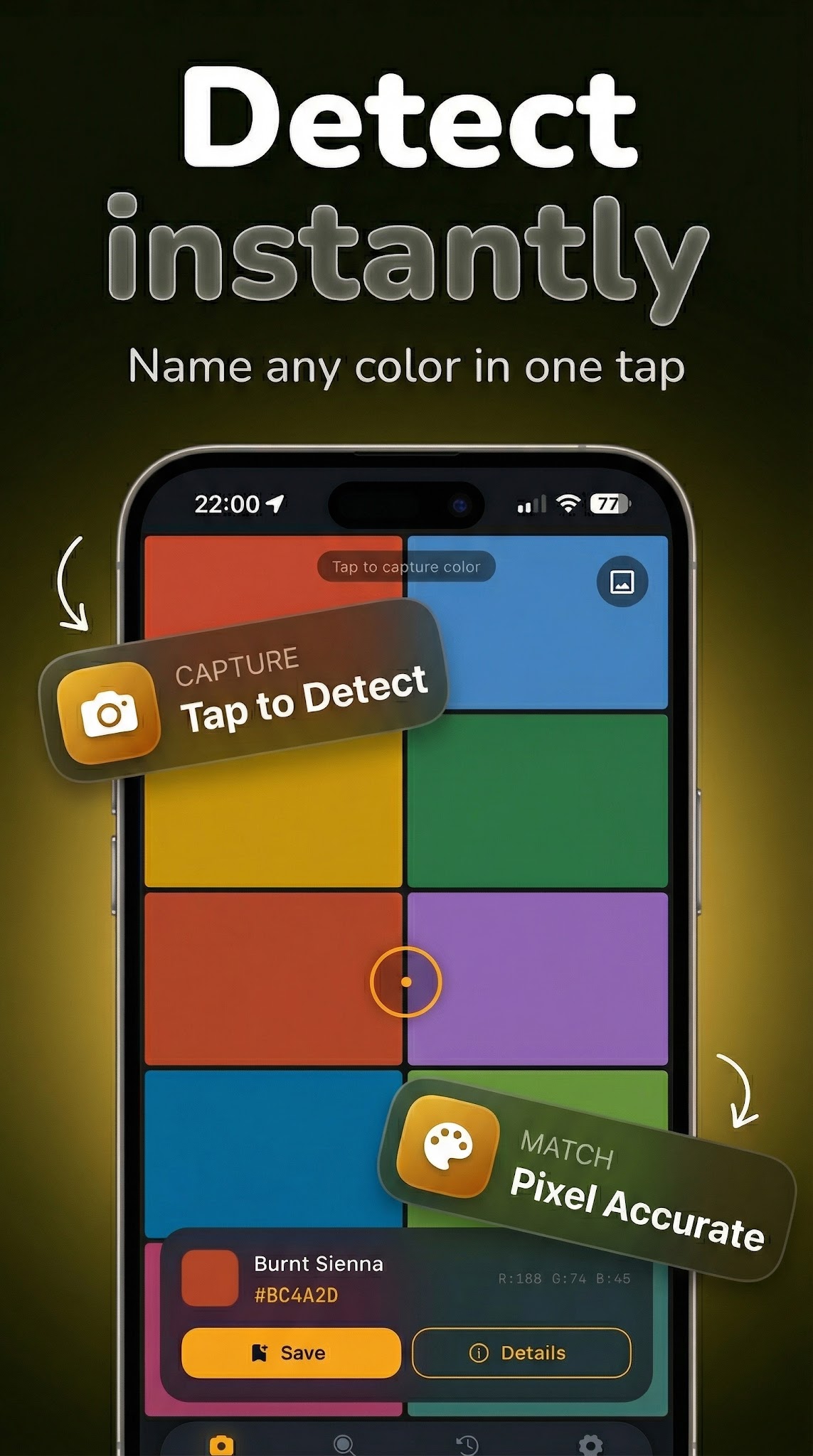
The built-in color detector app identifies any shade the instant your camera sees it. A precision crosshair locks onto your target and shows the color name, HEX, and RGB values as a live overlay. Whether matching paint on a wall or using it as a color finder for any shade in your environment, live color recognition handles it without delay. Similar shades and color suggestions appear alongside every detection.

📷 Pick Colors from Any Photo

Use the gallery image color picker to extract shades directly from any photo. A built-in magnifier gives pixel-level precision — so you always get the exact shade, not an approximation. Ideal for designers analyzing reference images or anyone needing to pull a precise color from image.

🔢 Full Color Format Converter

Every detected color shows a complete breakdown: HEX, RGB, HSL, and CMYK on one screen. The built-in color converter switches between formats instantly — no separate tool needed. Essential for developers needing rgb color picker values, designers working in CMYK, or artists controlling hue through HSL.

🎯 Color Matcher and Name Finder

The intelligent color matcher identifies the closest named color from a comprehensive database and shows a strip of harmonious, similar shades — perfect for building cohesive palettes. The similar colors finder is uniquely useful for interior designers, artists, and developers who need related tones at a glance.

🔍 Explore and Browse Colors

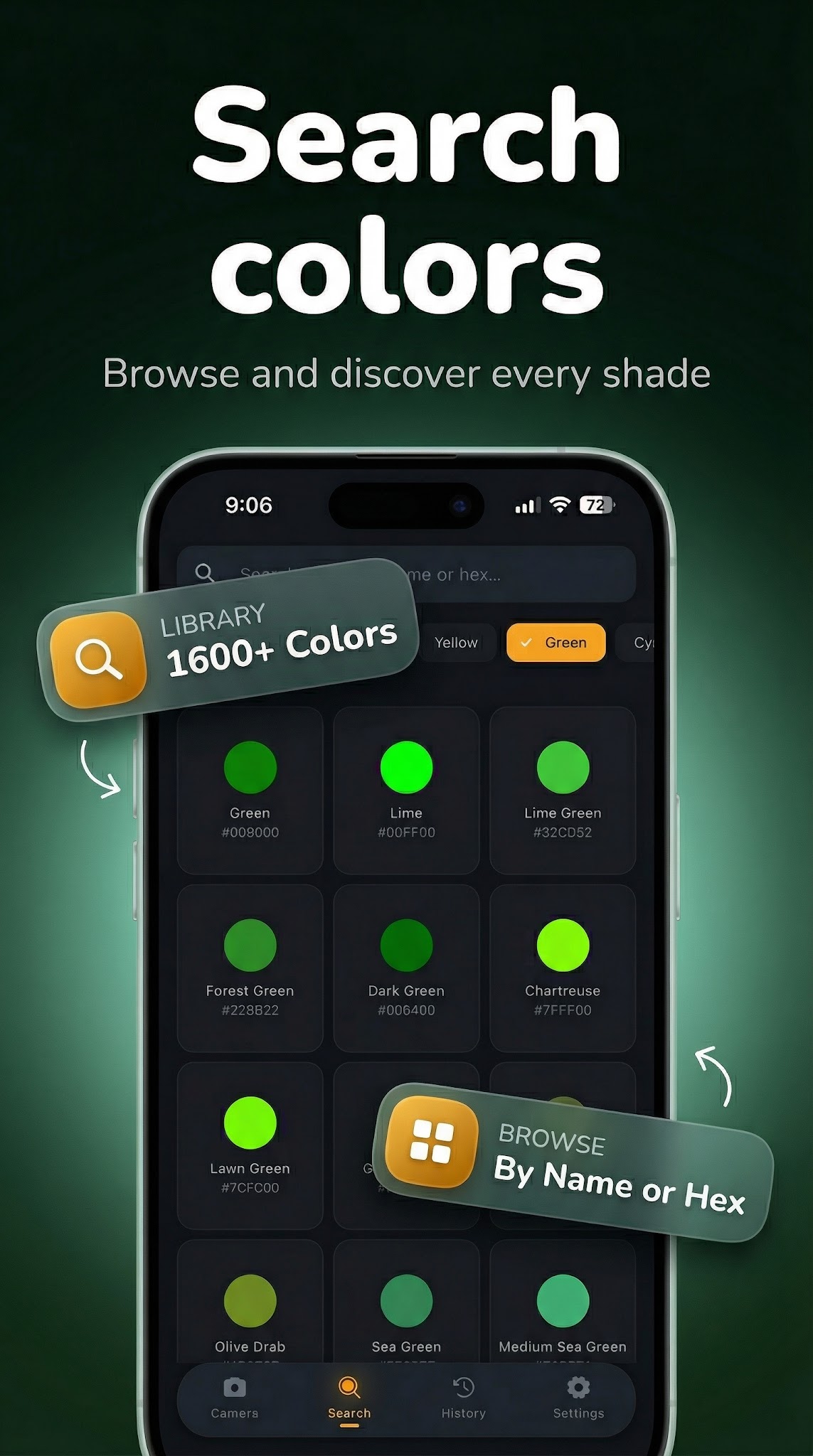
Browse the full color spectrum in a grid view, or filter by color family and category. Your complete color history is saved automatically — revisit every shade you've ever detected or picked. A palette generator view shows harmonious combinations based on any detected color.

✅ Built for Professionals and Everyday Users

Graphic designers extracting exact rgb cmyk codes · Web developers pulling precise color identifier app values · Interior designers matching paint to decor · Artists controlling pigment accuracy · Photographers analyzing tone — all in one lightweight, fast tool.

Download Color Picker & Detector and turn your camera into a professional color scanner today.

Screenshots

Color Picker screenshot 1 — color detector android free
Color Picker screenshot 2 — hex color picker app
Color Picker screenshot 3 — identify color from camera
Color Picker screenshot 4 — color identifier android

How it works

  1. 1

    Download Color Picker for free

    Search for "Color Picker" on the Google Play or tap the install button on this page. The app is completely free — no payment info required.

  2. 2

    Open and start immediately

    Launch Color Picker and point camera at any color - get hex, rgb, hsl codes and color names instantly. No account or lengthy setup required — just open and go.

  3. 3

    Save and share your results

    When you are done, save your work directly to your device or share it with others. Color Picker keeps your files on-device by default for privacy.

Why iStack apps?

Free to download

Every iStack app is free to install. Android apps are ad-supported with no IAP; iOS apps may offer optional premium features.

No account needed

Open and use immediately. We do not require sign-up or email to access core features.

Focused & fast

One app, one job. No bloat or feature overload — just what you need, working reliably.

Frequently asked questions

Is Color Picker free?
Yes, Color Picker is completely free to download on Google Play. It is ad-supported, so there are no paywalls or subscription fees required.
Does Color Picker require an account?
No account is required. Download Color Picker and start using it immediately — no sign-up, no email, no login needed.
What is Color Picker used for?
Point camera at any color - get HEX, RGB, HSL codes and color names instantly.
Is Color Picker available on Android?
Yes, Color Picker is available for Android and can be downloaded from Google Play.
Does Color Picker work offline?
Color Picker is designed to work with minimal or no internet connection for its core features. Some features may require connectivity.
See all →

Ready to try Color Picker?

Free on Google Play — no account required.

Download on Google Play