Teleprompter: Script for Video — teleprompter script app ios
Teleprompter: Script for Video app icon

Teleprompter: Script for VideoScript Reader & Voice Prompter

iStack

Utilities

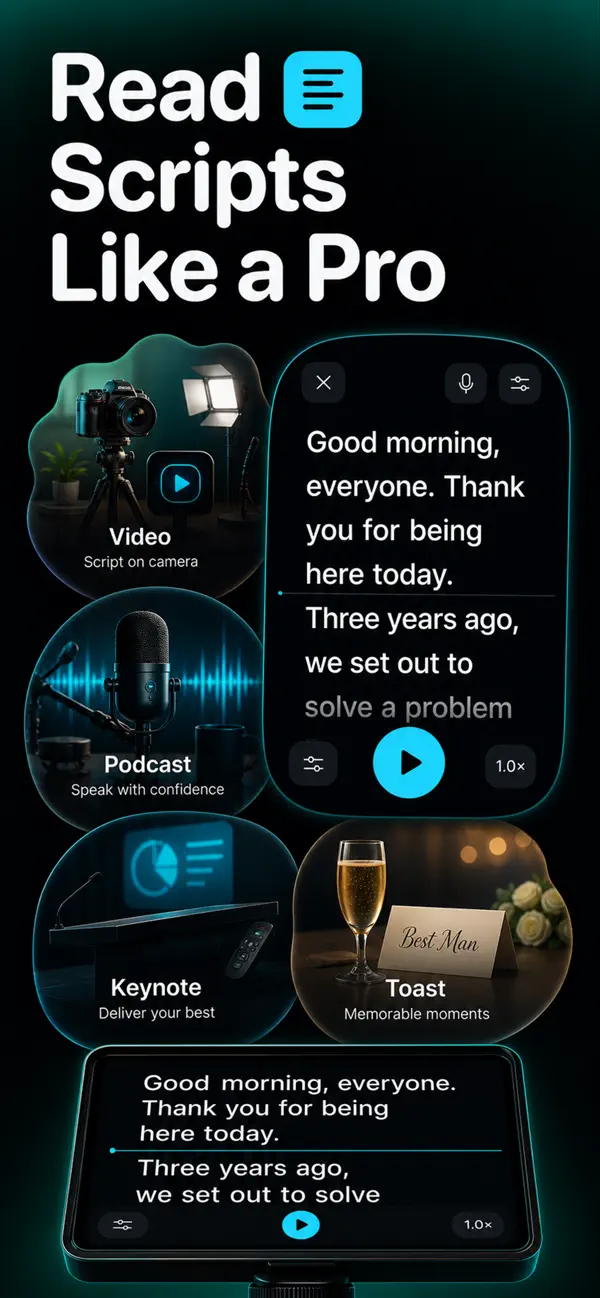
Teleprompter: Script for Video turns scripts into an easy scrolling prompt for recording videos, speeches, reels, and presentations with smoother delivery.
FreePrice
Get on the App Store
Free to downloadNo accountiPhone & iPad

About Teleprompter: Script for Video

Teleprompter: Script for Video is built for iPhone users who want teleprompter script app ios without a complicated setup. Teleprompter: Script for Video turns scripts into an easy scrolling prompt for recording videos, speeches, reels, and presentations with smoother delivery.
Open the app, complete the task, and move on. The interface is focused on the core workflow, so you do not need an account, a long onboarding flow, or a subscription gate before using the main feature.

Key ways to use Teleprompter: Script for Video

- video script reader ios

- voice prompter app - scrolling script app ios

Teleprompter: Script for Video is part of the iStack portfolio of small, practical mobile apps. Each app is designed around one clear job, with lightweight screens, quick launch behavior, and a free path for everyday use.

Screenshots

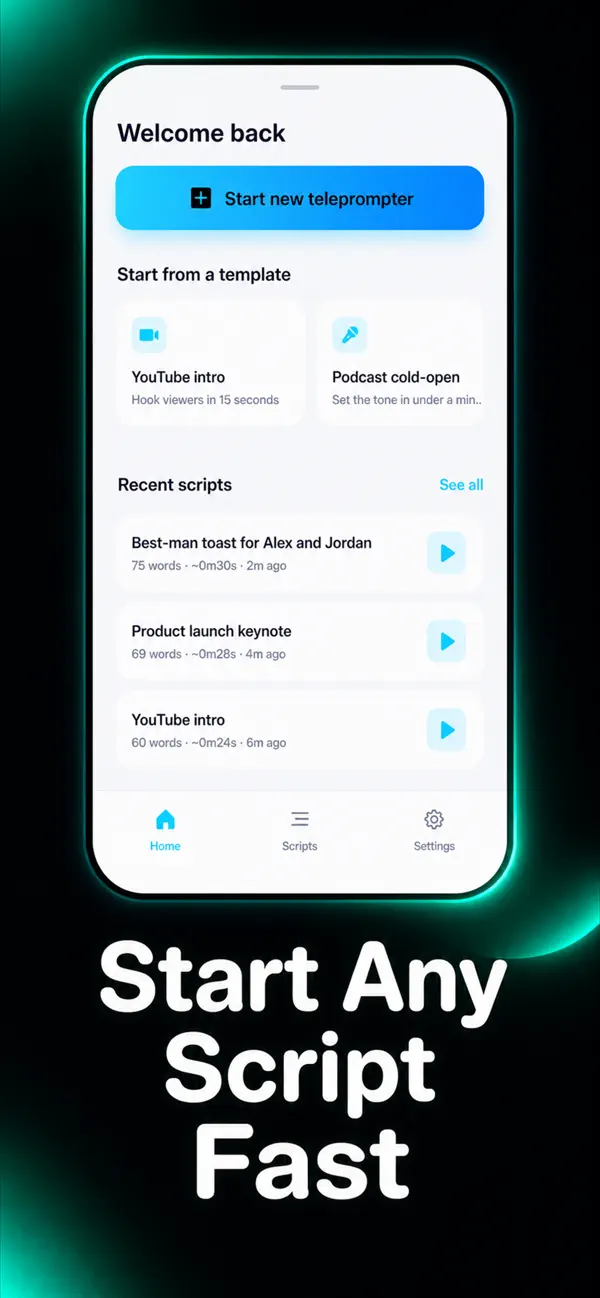
Teleprompter: Script for Video screenshot 1 — video script reader ios
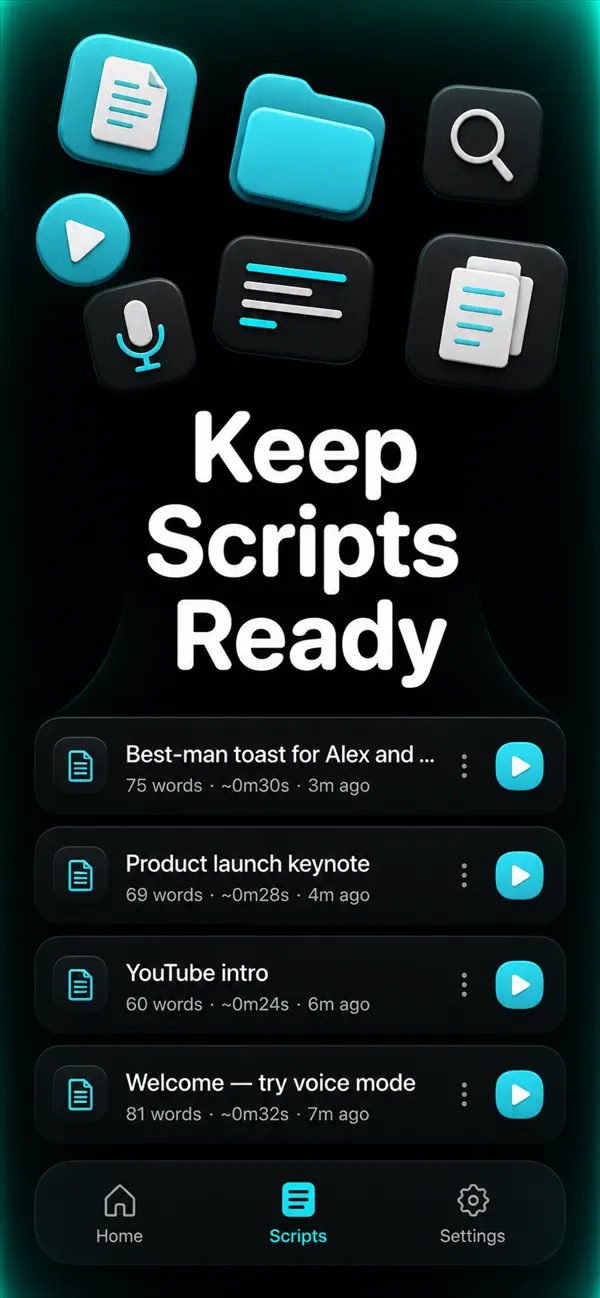
Teleprompter: Script for Video screenshot 2 — voice prompter app
Teleprompter: Script for Video screenshot 3 — scrolling script app ios
Teleprompter: Script for Video screenshot 4 — teleprompter for reels

How it works

  1. 1

    Download Teleprompter: Script for Video for free

    Search for "Teleprompter: Script for Video" on the App Store or tap the install button on this page. The app is completely free — no payment info required.

  2. 2

    Open and start immediately

    Launch Teleprompter: Script for Video and teleprompter: script for video turns scripts into an easy scrolling prompt for recording videos, speeches, reels, and presentations with smoother delivery. No account or lengthy setup required — just open and go.

  3. 3

    Save and share your results

    When you are done, save your work directly to your device or share it with others. Teleprompter: Script for Video keeps your files on-device by default for privacy.

Why iStack apps?

Free to download

Every iStack app is free to install. Android apps are ad-supported with no IAP; iOS apps may offer optional premium features.

No account needed

Open and use immediately. We do not require sign-up or email to access core features.

Focused & fast

One app, one job. No bloat or feature overload — just what you need, working reliably.

Frequently asked questions

Is Teleprompter: Script for Video free?
Yes, Teleprompter: Script for Video is free to download on the App Store. The app offers optional premium features through in-app purchase or subscription — you can use the free features without paying.
Does Teleprompter: Script for Video require an account?
No account is required. Download Teleprompter: Script for Video and start using it immediately — no sign-up, no email, no login needed.
What is Teleprompter: Script for Video used for?
Teleprompter: Script for Video turns scripts into an easy scrolling prompt for recording videos, speeches, reels, and presentations with smoother delivery.
Is Teleprompter: Script for Video available on iOS?
Yes, Teleprompter: Script for Video is available for iOS and can be downloaded from the App Store.
Does Teleprompter: Script for Video work offline?
Teleprompter: Script for Video is designed to work with minimal or no internet connection for its core features. Some features may require connectivity.
See all →

Ready to try Teleprompter: Script for Video?

Free on the App Store — no account required.

Get on the App Store