Clock wallpaper: digital clock, night clock, widget & live weather display.
Updated Mar 28, 2026

Clock wallpaper: digital clock, night clock, widget & live weather display.
Updated Mar 28, 2026
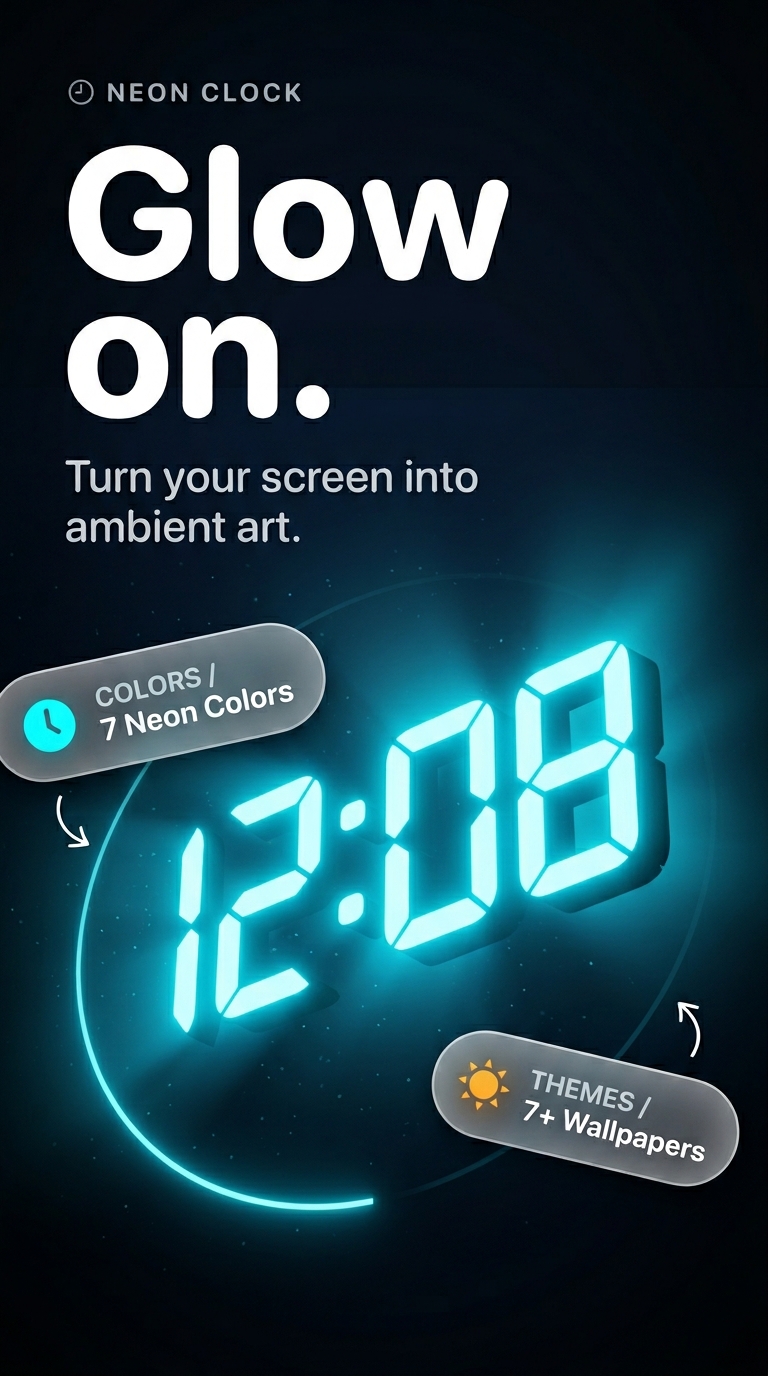
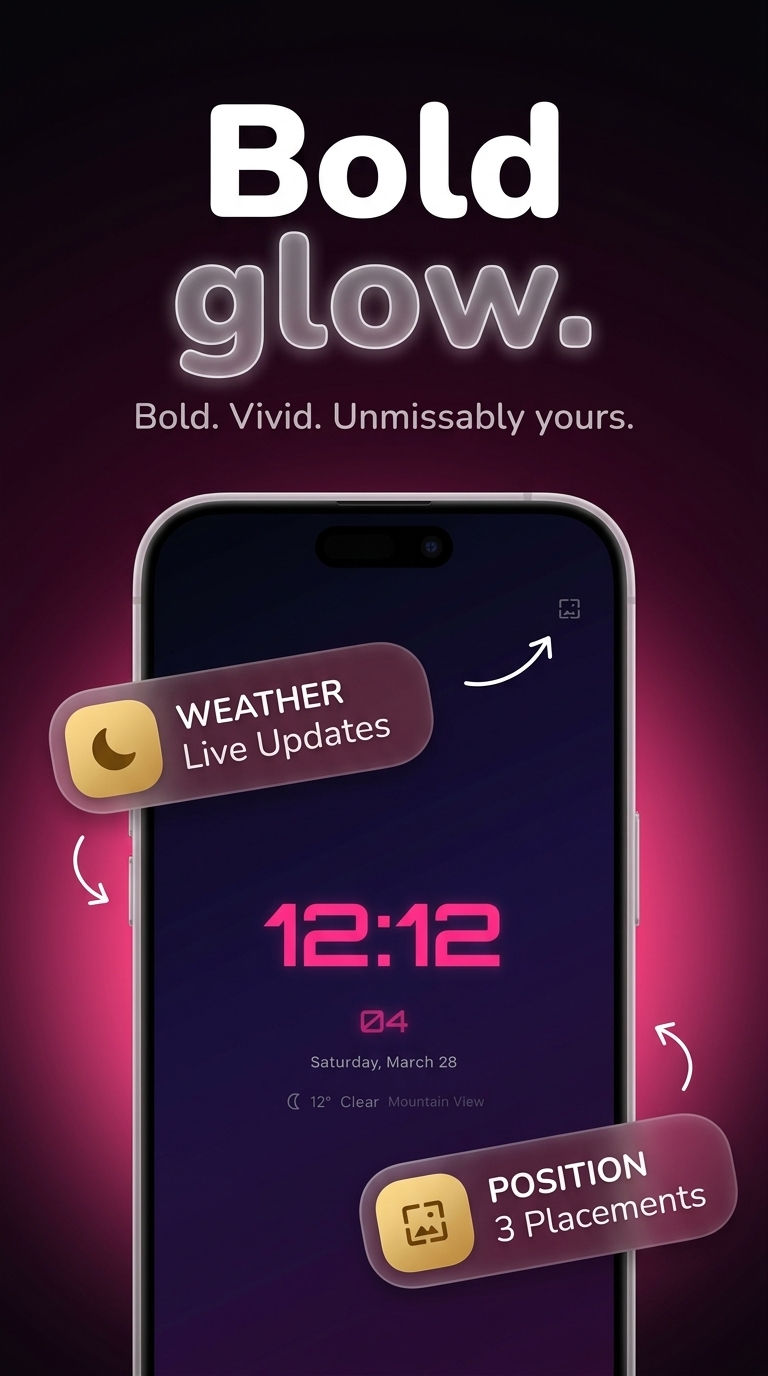
Neon clock live wallpaper that transforms your phone into a glowing digital timepiece — complete with a clock wallpaper for your lock screen, real-time weather, a home screen widget, and full neon glow customization.
A single tap activates the live display. Time, date, and weather are always visible the moment you glance at your phone. No complicated setup, no hidden settings, no account required.
LED FACES & NEON GLOW
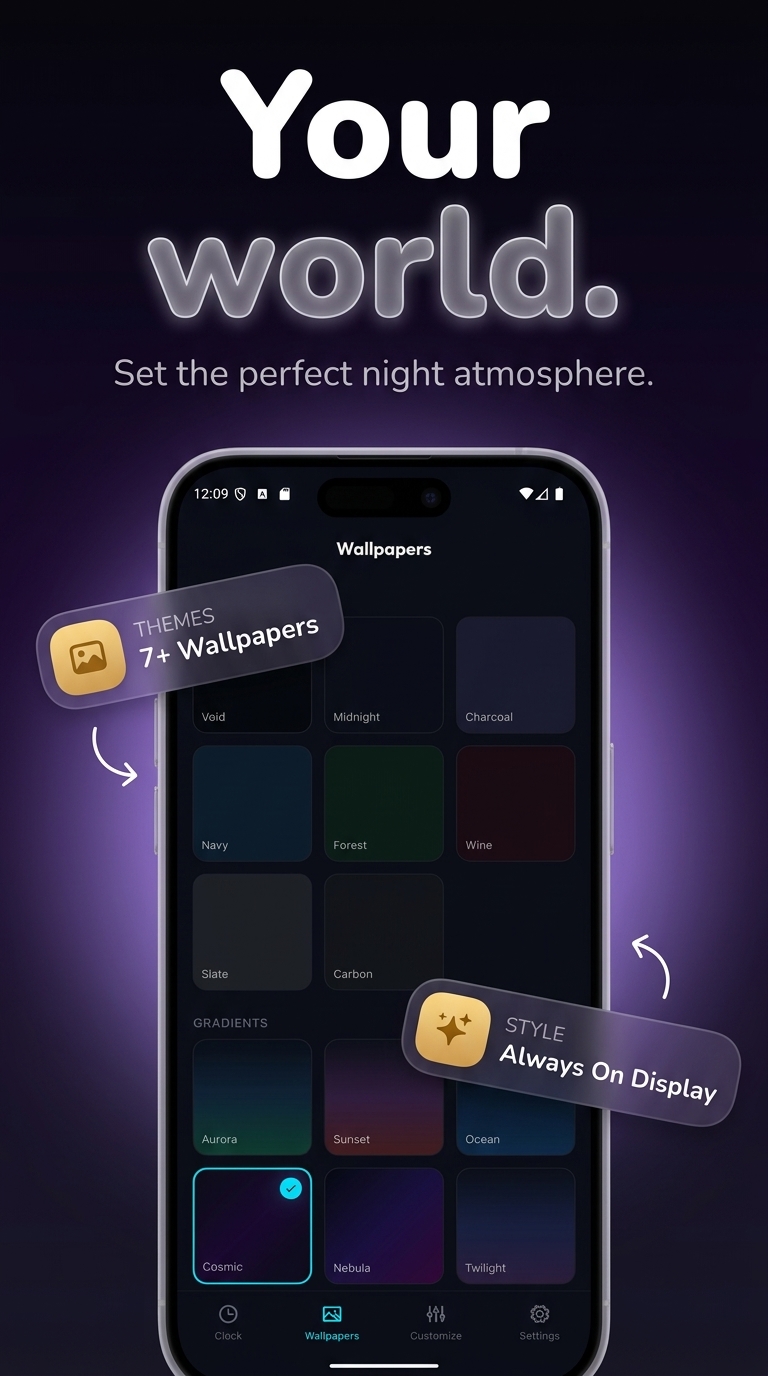
Choose from multiple clock faces with sharp LED-style number rendering. Each face supports adjustable neon glow intensity, custom color palettes, font size controls, and flexible layout positioning. Go from a vivid neon clock with strong glow to a soft ambient light that blends into any background. Apply any clock theme in seconds — the entire look of your home screen changes instantly. Pair any face with a background from the built-in catalog, or use your own personal photo as the backdrop.
LIVE CLOCK WALLPAPER & LOCK SCREEN
Your live wallpaper runs continuously on both the lock screen and home screen, updating time, date, and day of the week in real time. Activate it as a full-screen clock screensaver when your device sits on a desk or charging stand. The display stays accurate whether your screen is idle or in active use. Swapping wallpaper backgrounds never resets your time or glow settings.
REAL-TIME WEATHER OVERLAY
The digital clock face shows current temperature and weather conditions pulled directly from your GPS location. The weather overlay refreshes automatically with every location change — no manual update, no account, no extra configuration needed. One glance at your lock screen gives you both the current time and the local weather conditions.
NIGHT CLOCK & BEDSIDE MODE
Activate night clock mode and place your phone on the nightstand as a dedicated bedside timepiece. The screen dims automatically in low light for comfortable viewing while keeping the time and date clearly readable all through the night. No blinding brightness, and no need to pick the phone up — the time is readable from across the room.
HOME SCREEN WIDGET
Place a clock widget directly on your home screen for instant time and date access without unlocking your device. The widget mirrors the style and theme of your live wallpaper, keeping your home screen visually consistent at a glance. Resize and reposition the widget to fit any launcher layout or grid size.
DEEP CUSTOMIZATION
Adjust font style, neon color, glow intensity, background image, text size, and layout independently for both the live wallpaper and the home screen widget. Save multiple preset configurations and switch between them in one tap. Every change applies the moment you confirm it — no restart, no reload required at all.
Works as: live clock wallpaper · lock screen display · home screen widget · night clock · bedside timepiece · neon digital clock screensaver · real-time weather and time overlay.


Download Neon Clock for free
Search for "Neon Clock" on the Google Play or tap the install button on this page. The app is completely free — no payment info required.
Open and start immediately
Launch Neon Clock and clock wallpaper: digital clock, night clock, widget & live weather display. No account or lengthy setup required — just open and go.
Save and share your results
When you are done, save your work directly to your device or share it with others. Neon Clock keeps your files on-device by default for privacy.
Free to download
Every iStack app is free to install. Android apps are ad-supported with no IAP; iOS apps may offer optional premium features.
No account needed
Open and use immediately. We do not require sign-up or email to access core features.
Focused & fast
One app, one job. No bloat or feature overload — just what you need, working reliably.
Ready to try Neon Clock?
Free on Google Play — no account required.
Download on Google Play